 Bulin 47 AI
Bulin 47 AI Text to image with a scene you can clearly describe
Build an image around a moment, not a pile of adjectives. Bulin 47 AI text to image starts with your written scene and GPT Image 2 in text mode at 1:1 and 1K. Describe the subject, object relationships, and light. Use Bulin 47 AI text to image to explore the idea, then refine what matters most.
Image workspace
Sample Image
 22 / 30
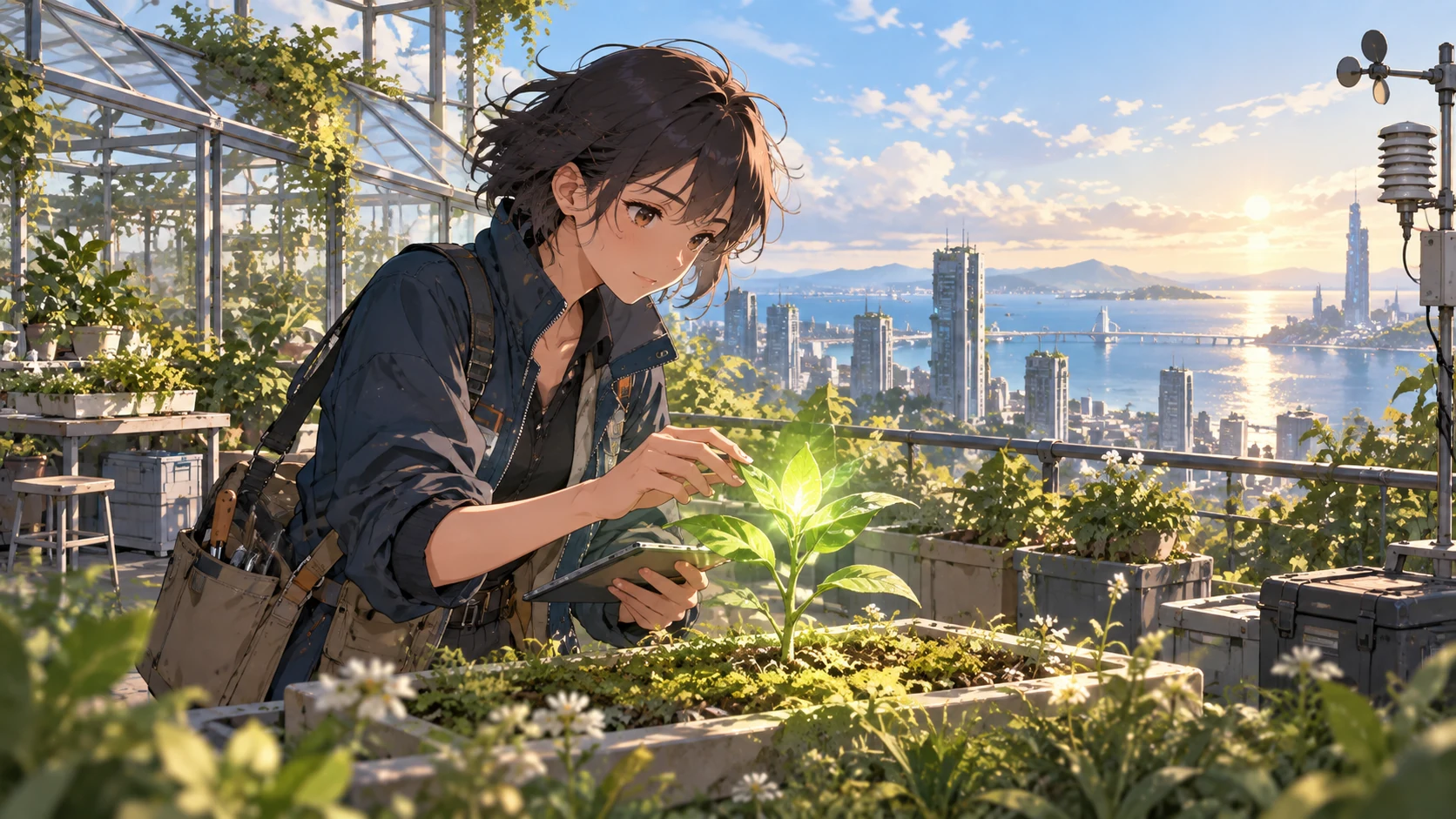
AI-generated illustration of a fictional rooftop botanist and coastal city.
Introduction
Give Bulin 47 AI text to image one clear assignment
Start by deciding what the picture should communicate. A focused Bulin 47 AI text to image brief makes the subject, action, and purpose understandable before you introduce the finer details of style.
Bulin 47 AI Describe a moment rather than a category
A bookshop is a category; an owner arranging the last books before opening is a scene. Give Bulin 47 AI text to image a visible action and a subject that performs it. This establishes where attention belongs and suggests which supporting objects are actually useful.
- Name the main subject, its action, and the place in one sentence.
- Keep your Bulin 47 AI text to image brief centered on that moment.
Bulin 47 AI Choose the intended viewing context
A square social illustration needs a different composition from a wide presentation cover. Explain the destination when planning Bulin 47 AI text to image, but also describe its visual consequences: a large readable subject, space for a headline, or room to see the surrounding environment.
Bulin 47 AI Separate essentials from optional detail
List the two or three features without which the image would miss your idea. Treat everything else as supporting detail. In Bulin 47 AI text to image, a yellow raincoat and an empty station may matter more than the exact number of windows in distant buildings.
How to use
How to create with Bulin 47 AI text to image
- PromptSTEP 1
Bulin 47 AI Describe one moment
Select GPT Image 2 text mode for Bulin 47 AI text to image, then name your main subject, action, and setting in one sentence.
- ModelGPT Image 21K1:1PromptSTEP 2
Bulin 47 AI Place the objects
Direct Bulin 47 AI text to image with specific object counts, positions, and lighting, making foreground, subject, and background relationships easy to understand.
- Detail
 STEP 3
Bulin 47 AI Generate a draft
Start Bulin 47 AI text to image at square 1K, choose your output count, review the displayed credits, and generate the first scene.
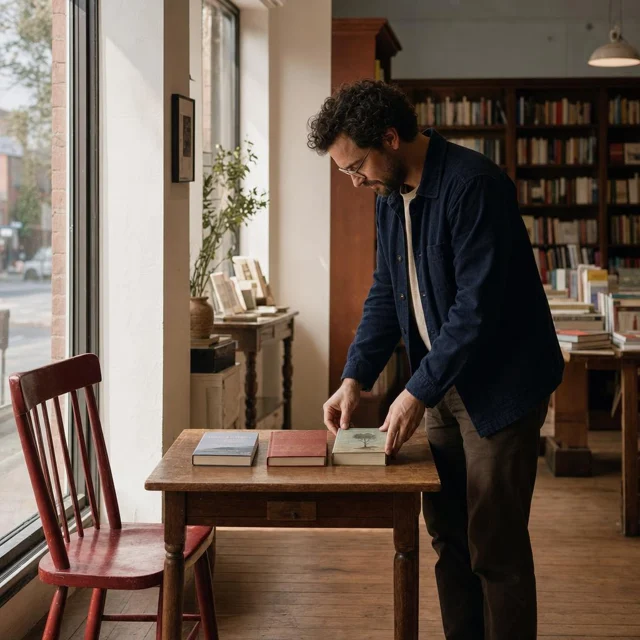
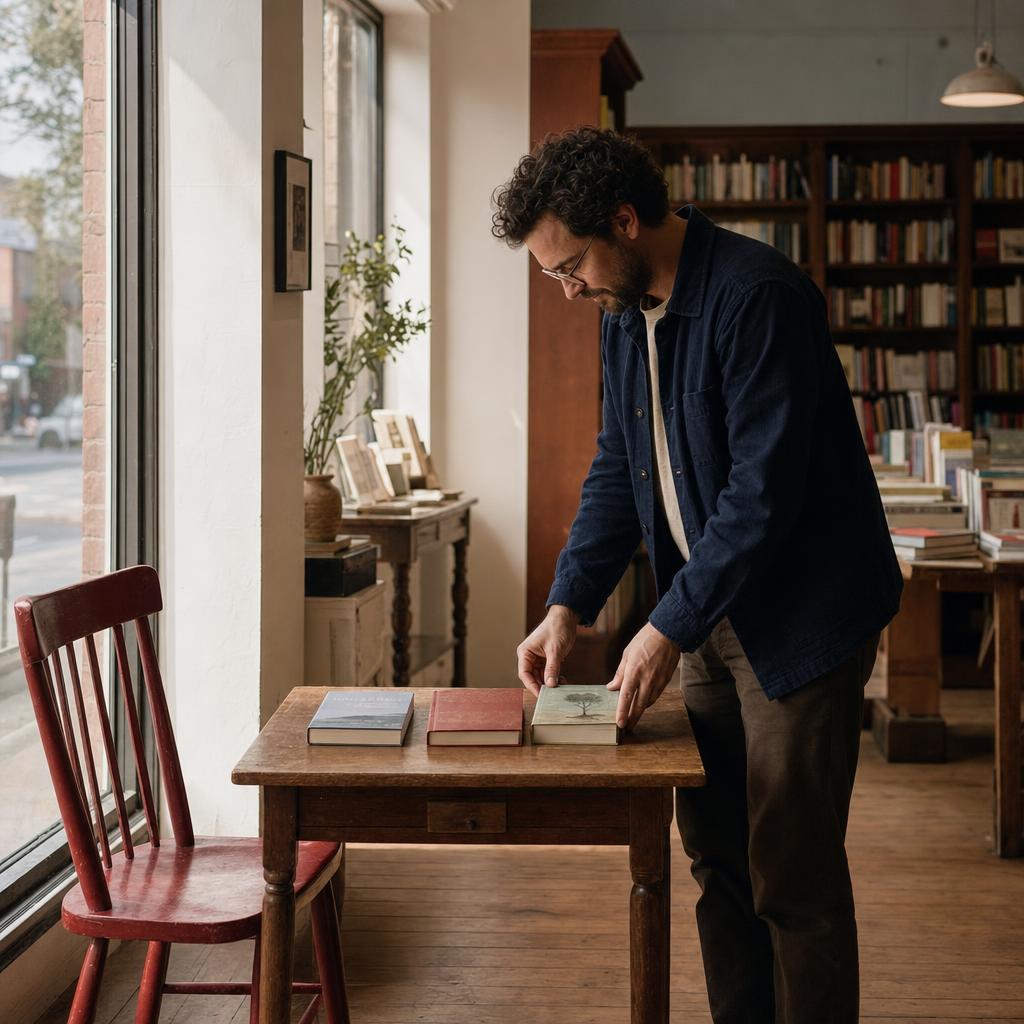
- Create a realistic square editorial photograph of an adult bookshop owner arranging exactly three books on a small wooden table near the front window. One red chair stands to the left of the table. The owner is on the right, looking down at the books. Soft morning light enters from the left, with gentle shadows extending right. Keep the distant shelves quiet and slightly softer than the subject. Show believable hand contact, readable object separation, and no signs, captions, or logos.DownloadSTEP 4
Bulin 47 AI Revise one instruction
Compare Bulin 47 AI text to image results with your brief, checking composition and object relationships before changing one instruction and trying again.
Features
Make object relationships explicit in Bulin 47 AI text to image
Objects need positions and relationships, not just names. Tell Bulin 47 AI text to image what is beside, behind, above, or inside something else so you have a concrete arrangement to inspect.
Bulin 47 AI Assign counts to important objects
Write one red chair beside a small wooden table, with two books stacked on the table. Specific counts make a Bulin 47 AI text to image request easier to review. If extra chairs or merged books appear, you can identify the mismatch without reconsidering the whole composition.
- Keep the first arrangement small enough to inspect object by object.
- Use Bulin 47 AI text to image revisions to fix the relationship that failed.
Bulin 47 AI Avoid ambiguous pronouns
Replace put it behind that with place the lamp behind the chair on the left. Repeating the object name is useful when several things share a scene. Clear nouns help Bulin 47 AI text to image communicate spatial instructions without making the reader guess which object you mean.
Bulin 47 AI Describe interactions that make physical sense
A person holding a cup needs a believable hand position; a bicycle leaning against a wall needs contact. Include those interactions in Bulin 47 AI text to image instructions. Afterwards, inspect whether the objects genuinely connect or only appear near each other in the frame.
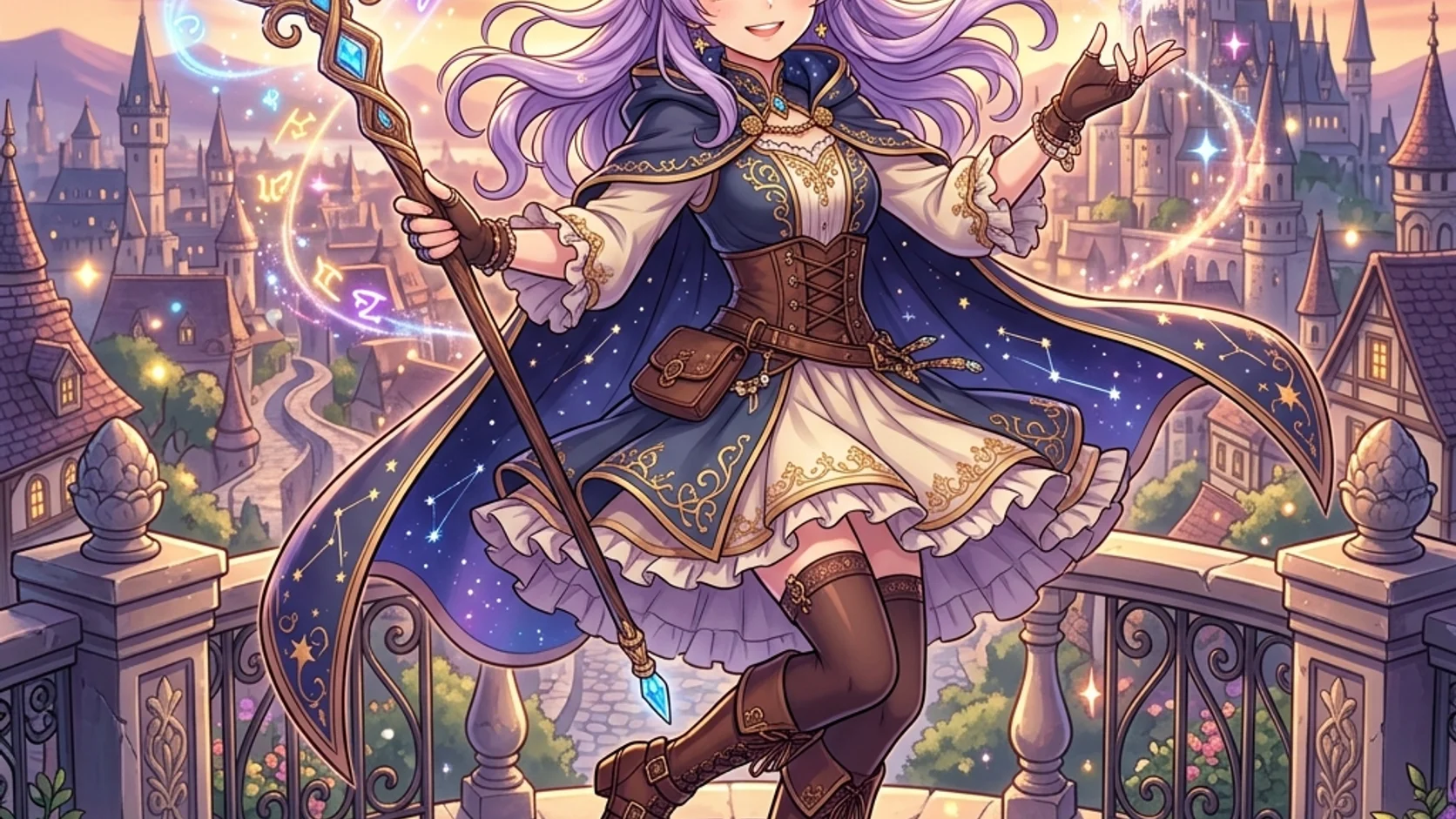
Plan a readable Bulin 47 AI text to image composition
Imagine the image as a few large shapes before filling it with detail. Give Bulin 47 AI text to image a camera distance, a clear focal point, and a quieter area around it.
Bulin 47 AI State the camera distance
Choose a close view of hands at a workbench, a waist-up portrait, or a wide room scene. These are different assignments for Bulin 47 AI text to image. Requesting both intimate facial detail and an expansive landscape can leave neither part large enough to read.
- A closer view favors expression, material, and small actions.
- A wider Bulin 47 AI text to image scene needs a stronger silhouette and simpler pose.
Bulin 47 AI Build foreground, subject, and distance
For a harbor scene, try a dark railing in front, a figure beside it, and pale boats farther away. This gives Bulin 47 AI text to image a depth plan. Keep the distant area less contrasty so it supports the subject instead of competing with it.
Bulin 47 AI Reserve space for later layout
When a designer will add a title, request an uncluttered area on a named side. Bulin 47 AI Text to image can explore the scene without embedding the final words. Check that the supposedly empty area is not filled with branches, reflections, or high-contrast background details.
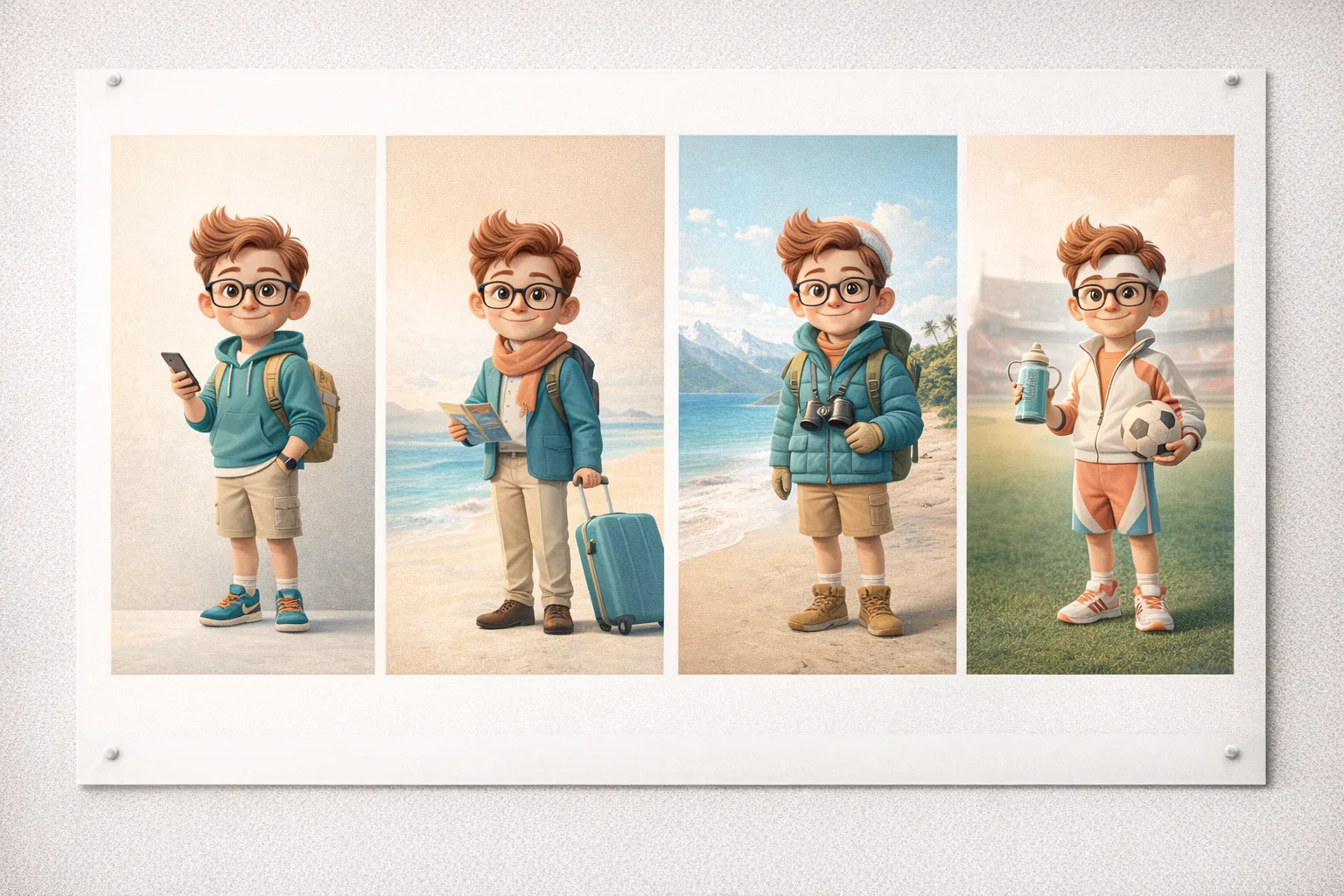
Unify light and materials in Bulin 47 AI text to image
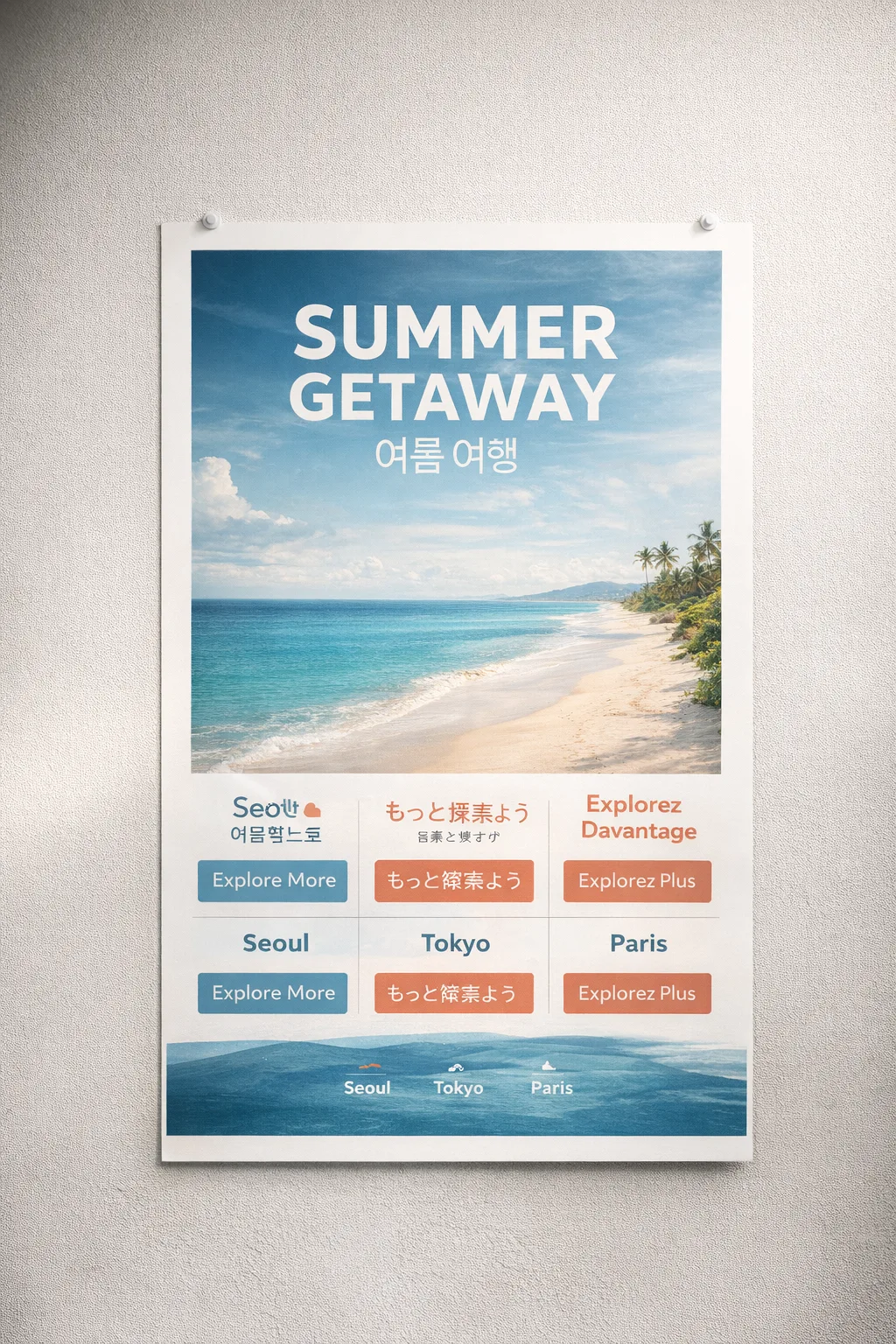
Light, surface, and drawing treatment should support the same idea. Give Bulin 47 AI text to image one coherent direction instead of combining every visual effect you like into a single request.
Bulin 47 AI Name a source and its visible effect
Try morning light entering from a window on the right, with soft shadows falling left across a wooden desk. That Bulin 47 AI text to image instruction describes something observable. Words such as beautiful or cinematic alone do not tell you where highlights and shadows should appear.
- Choose soft overcast light or strong directional light before adding accents.
- Keep the Bulin 47 AI text to image lighting direction consistent across the scene.
Bulin 47 AI Distinguish the important surfaces
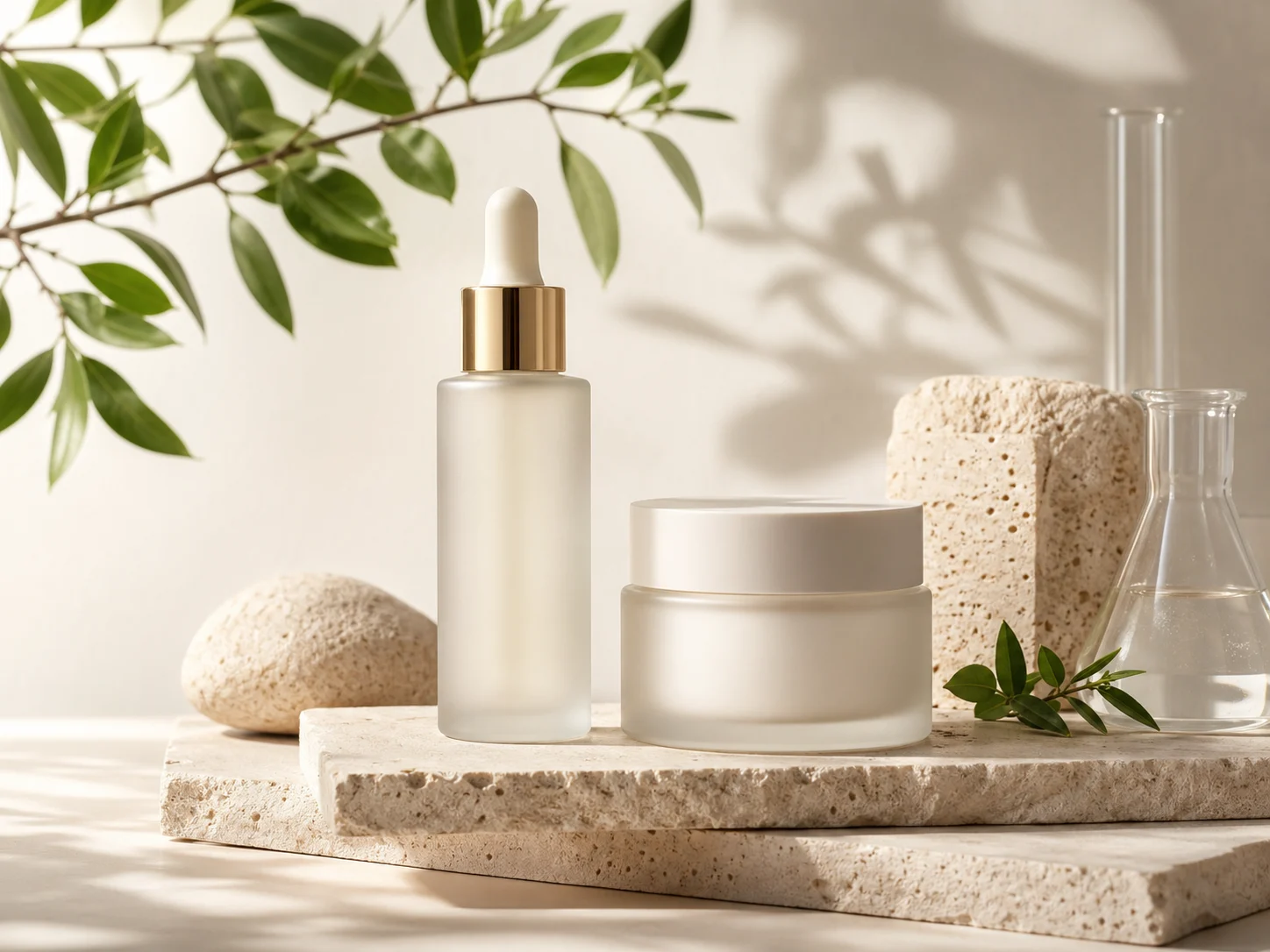
A ceramic bowl, a brushed metal spoon, and a linen cloth should not share the same shine. Name the materials when writing Bulin 47 AI text to image prompts. After generation, look for differences in reflection, texture, and edge softness rather than accepting uniformly glossy surfaces.
Bulin 47 AI Choose a visual treatment that fits
Describe clean editorial illustration, a softly painted environment, or realistic studio photography, then add a few relevant traits. A Bulin 47 AI text to image brief becomes less coherent when it simultaneously demands flat vector-like shapes, painterly brushwork, and photographic texture in every part.
Iterate on Bulin 47 AI text to image without losing the idea
Keep the concept stable while you test a specific change. A deliberate Bulin 47 AI text to image workflow lets you compare compositions instead of collecting unrelated pictures that happen to share a subject.
Bulin 47 AI Assemble the first brief
Combine the subject, action, object relationships, framing, and light in a short paragraph. Start Bulin 47 AI text to image with GPT Image 2, a square ratio, 1K, and one output. Read the prompt once for contradictions before submitting, especially around object counts and camera distance.
Bulin 47 AI Choose the configuration
Bulin 47 AI provides multiple ratios, 1K, 2K, or 4K, and one to four outputs with GPT Image 2. Choose a Bulin 47 AI text to image configuration that suits the current question. Check the displayed credits for those actual settings before submitting rather than assuming a fixed price.
Bulin 47 AI Revise one instruction
If the subject is too small, change the framing instruction before rewriting the costume, weather, and palette. Keep notes beside your Bulin 47 AI text to image brief. Comparing versions is more useful when you know what changed; separate requests can still vary in other details.
Review Bulin 47 AI text to image against the original brief
Use the brief as a checklist, not simply a source of inspiration. A striking Bulin 47 AI text to image result may still omit the main action or reverse an important relationship between objects.
Bulin 47 AI Check the large decisions first
Check the subject, pose, object count, and major positions before inspecting texture. The best Bulin 47 AI text to image candidate should answer the assignment at a glance. A beautifully rendered cup does not rescue a scene that should show an empty table.
Bulin 47 AI Inspect small but meaningful errors
Check hands, contact points, repeated objects, stray lettering, and impossible reflections. Bulin 47 AI Text to image can introduce plausible-looking details that do not survive closer inspection. Decide whether to simplify the scene, request a revision, or choose another candidate based on the actual problem.
Bulin 47 AI Move to references when specifics matter
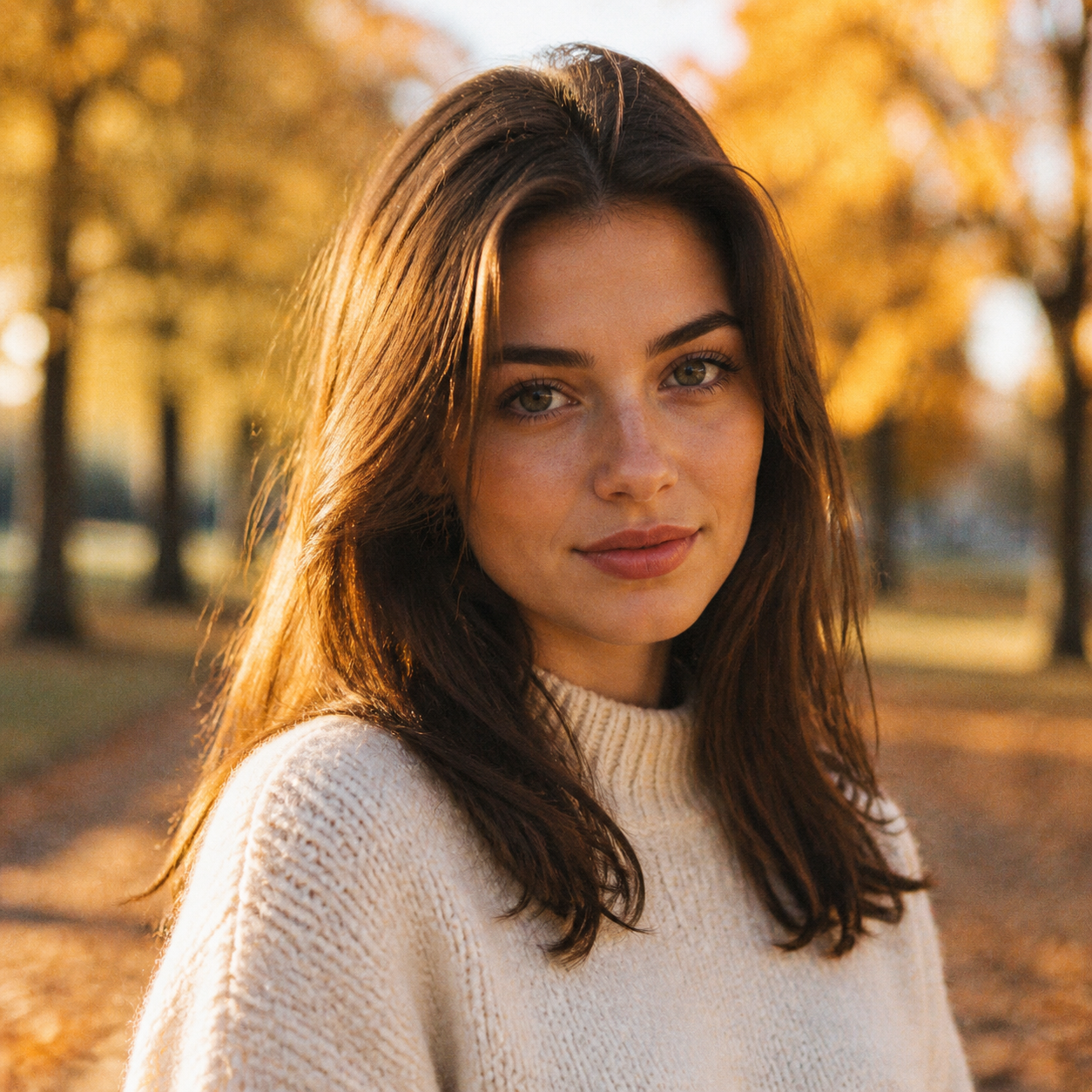
When you need your particular product, room, or person rather than an invented version, use a reference-based workflow. Bulin 47 AI Text to image is the place to explore an idea from words. It is not evidence of how a real object looks on its hidden side.
Example prompts
Bulin 47 AI A quiet bookshop before opening
Create a realistic square editorial photograph of an adult bookshop owner arranging exactly three books on a small wooden table near the front window. One red chair stands to the left of the table. The owner is on the right, looking down at the books. Soft morning light enters from the left, with gentle shadows extending right. Keep the distant shelves quiet and slightly softer than the subject. Show believable hand contact, readable object separation, and no signs, captions, or logos.
Bulin 47 AI An observatory above the harbor
Create an original square illustration of an adult astronomer on an observatory balcony overlooking a quiet harbor at dawn. Place the figure on the left beside one compact telescope, facing the pale boats in the distance. Use a dark foreground railing, a clear midground silhouette, and softer cool shapes beyond. Warm light touches the coat and telescope from the right. Clean expressive linework and restrained painted texture. Leave a calm area of sky at the upper right for typography added separately. No text or brand marks.
User reviews
H3Max video creator feedback.
H3Max creator reviews

I made a full character PV for my game with MiniMax H3 in one afternoon. The menu UI stayed readable in every frame and the character never went off-model. That used to cost me a contractor and three weeks.

We tested every AI video generator on the market for stylized work. H3 is the only one that held our anime style across cuts. We now use it for pitch reels and animatics on every project.

I uploaded four product photos and got a listing video with music and a voiceover the same day. My click-through rate on the new listings is up 38%. H3 even got the label text on my packaging right.

I ship five vertical videos a week for three brands. MiniMax H3 gets me from brief to draft in under an hour, with sound already synced. My old workflow needed a videographer and two review rounds.

The editing side is what sold me. A client wanted the background of an interview changed — I typed one sentence into MiniMax H3 and the lighting on the subject matched the new scene automatically.

I previsualized my entire short film in MiniMax H3 before we shot a single frame. Rack focus, match cuts, even the title cards — it understands director language, not just keywords.
Bulin 47 AI Pricing and Credit Plans
One-time payment · No subscription
Pay per MV
RECOMMENDED$9.90/ MV
- 10 seconds · 720p · Original soundtrack
- Buy now, create whenever you are ready
- No subscription · No automatic renewal
- Failed generations refund $9.90 per failed MV
1 × $9.90$9.90
Your purchase adds MV uses to your account. It does not start a generation or change your credit balance. Taxes and final total appear at checkout.
Already have credits? Each MV uses 600 credits. Subscriptions and credit packs are still available in the tabs above.
Pay safely and securely with























FAQ
Frequently asked questions
Do I need a reference photo for Bulin 47 AI text to image?
No. Bulin 47 AI Text to image starts from a written subject, action, setting, and lighting direction. When a particular existing object must guide the result, use reference editing and upload a clear source image instead.
How detailed should a Bulin 47 AI text to image prompt be?
Include the subject, position, action, framing, and light. A Bulin 47 AI text to image prompt does not need every possible adjective. Start with a compact paragraph and add the missing instruction after reviewing the result.
Why does Bulin 47 AI text to image add extra objects?
Check whether your wording names a collection without a clear count or asks for a busy environment. In Bulin 47 AI text to image, specify the important quantities and simplify their arrangement. Explicit counts help you direct and review a result, but they do not guarantee that every count is followed.
Can I change the shape of the image?
Yes. Select another supported ratio for Bulin 47 AI text to image and adjust the framing language accordingly. A wide environment and a vertical character portrait need different distributions of space even when they share the same subject.
Will repeating the same prompt give the same image?
Do not assume identical results. Keep the Bulin 47 AI text to image prompt and configuration in your project notes so you can compare attempts, but expect variation. Save an image that establishes the direction; further reference editing may be more useful than repeatedly describing it from memory.
CTA
Start Bulin 47 AI text to image with one clear scene
Choose a subject, explain its relationship to the objects around it, and name the light. Open Bulin 47 AI text to image, check your settings, and make the first result a useful starting point for the next decision.
Describe your scene