 Bulin 47 AI
Bulin 47 AI An ecommerce product photo generator for a coordinated catalog
A shop selling candles, ceramics, bags, and stationery needs a shared visual standard. Use the Bulin 47 AI ecommerce product photo generator to develop one across different shapes and materials, using actual product photographs. Start the Bulin 47 AI ecommerce product photo generator with GPT Image 2 reference editing, a square frame, 1K resolution, and one output.
Image workspace
Sample Image
 14 / 17
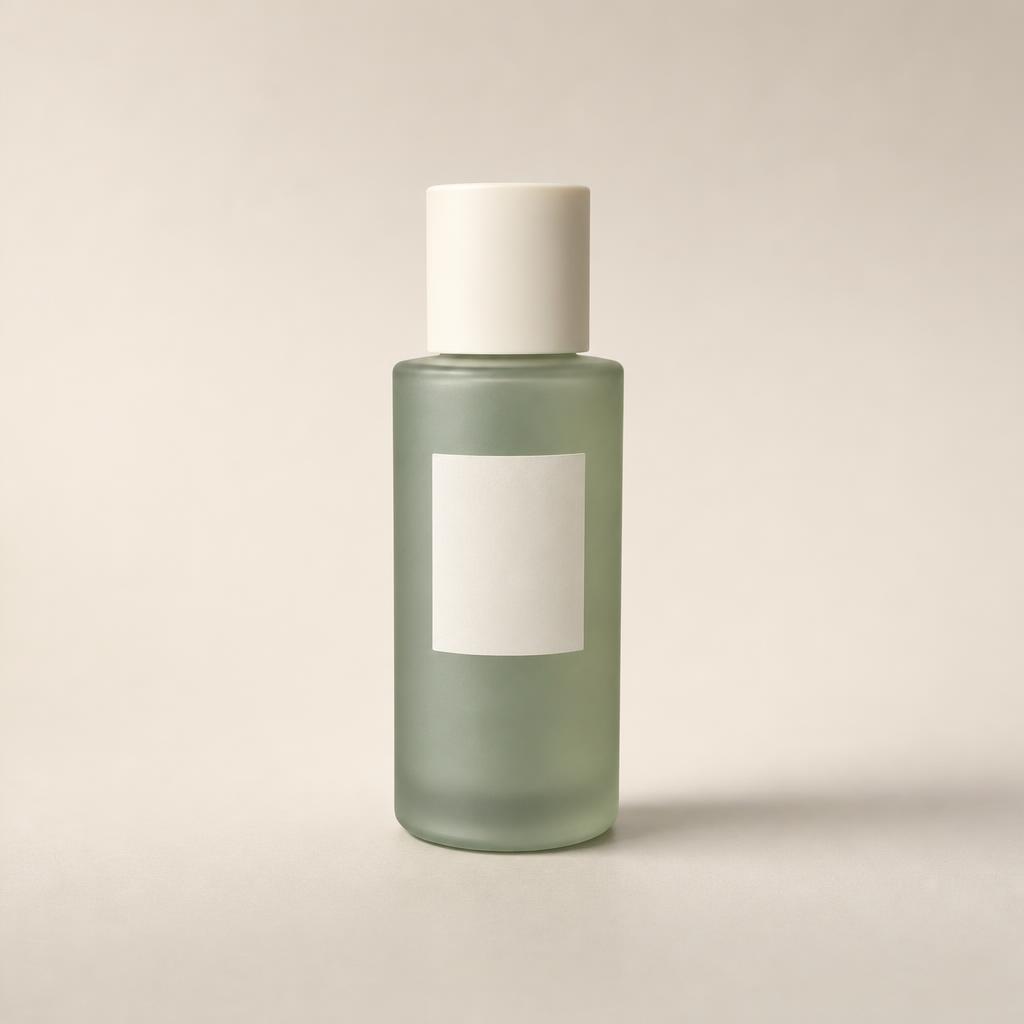
AI-generated illustration of an unbranded skincare studio scene.
Introduction
Set a standard for the Bulin 47 AI ecommerce product photo generator
Choose a few store-wide decisions. Give the Bulin 47 AI ecommerce product photo generator a repeatable brief, not an identical composition for every object.
Bulin 47 AI Separate store rules from category rules
Use background family, light direction, and contrast as store-wide choices. Allow framing to vary for tall bottles, flat notebooks, and soft bags. An Bulin 47 AI ecommerce product photo generator brief works better when it distinguishes a shared identity from the needs of a particular shape.
- Store standard: quiet warm-gray backgrounds and soft left lighting.
- Category standard: tell the Bulin 47 AI ecommerce product photo generator how to frame that product family.
Bulin 47 AI Choose an achievable reference standard
Pick one approved photograph that represents your intended look, then describe its useful traits. The Bulin 47 AI ecommerce product photo generator should receive practical notes about margins, shadows, and brightness. Avoid using a heavily styled campaign picture as the standard for every basic catalog card.
Bulin 47 AI Define exceptions before production
A necklace may need closer framing than a storage basket, and white packaging may need extra background separation. Record those exceptions before using the Bulin 47 AI ecommerce product photo generator. Planned differences are easier to manage than inconsistent decisions made while reviewing individual results.
How to use
How to use the Bulin 47 AI ecommerce product photo generator
- Input
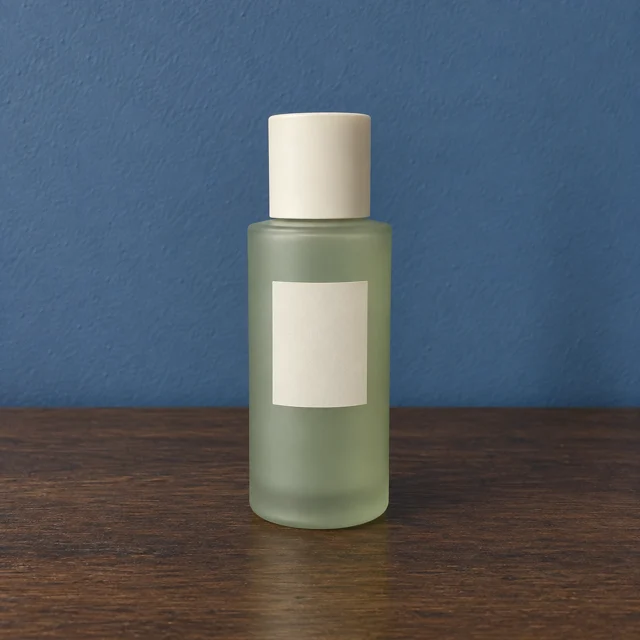 Reference image 1STEP 1
Bulin 47 AI Choose catalog samples
Use the Bulin 47 AI ecommerce product photo generator with GPT Image 2 reference editing and real photographs from several contrasting product categories.
- ModelGPT Image 21K1:1PromptOutputSTEP 2
Bulin 47 AI Define shared standards
Give the Bulin 47 AI ecommerce product photo generator consistent background, margin, and lighting instructions, allowing different framing for tall, flat, or reflective items.
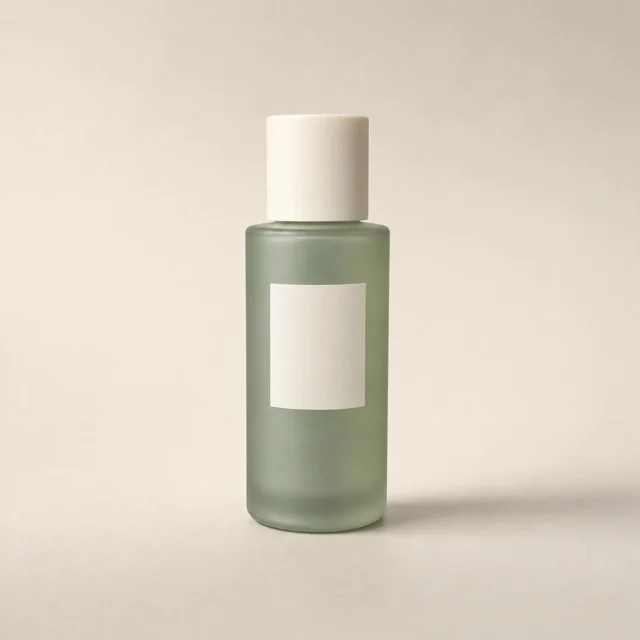 BeforeAfterSTEP 3
Bulin 47 AI Test individual items
Start the Bulin 47 AI ecommerce product photo generator at square 1K, check each request’s displayed credits, and generate separate candidates for selected products.
- STEP 4
Bulin 47 AI Review the storefront
Inspect Bulin 47 AI ecommerce product photo generator images individually for accuracy, then compare a storefront row for consistent spacing, color, and visual weight.
Features
Prepare a mixed catalog for the Bulin 47 AI ecommerce product photo generator
Good organization prevents the wrong product from receiving a polished presentation. Pair each Bulin 47 AI ecommerce product photo generator task with a specific item, source photograph, and intended placement.
Bulin 47 AI Match references to exact variants
Keep color, size, pack quantity, and packaging revision beside each reference in your own records. The Bulin 47 AI ecommerce product photo generator cannot resolve an incorrectly labeled source folder. Confirm the identity of the item before spending effort on the background or lighting.
- Use a simple record containing SKU, source filename, category, and intended view.
- Check the chosen reference before each Bulin 47 AI ecommerce product photo generator request.
Bulin 47 AI Group by photographic treatment
Group objects that need similar treatment rather than grouping only by merchandising category. Glossy jars and ceramic mugs may share a highlight problem. A useful Bulin 47 AI ecommerce product photo generator recipe can address that problem while each item keeps its own product description.
Bulin 47 AI Flag weak source material early
Set aside photographs with cropped edges, unreadable packaging, or uncertain colors. Improving those sources can be more useful than elaborate prompting. Use the Bulin 47 AI ecommerce product photo generator after the reference is clear enough to support a meaningful comparison with its result.

Bulin 47 AI Make different product shapes belong together
Consistency does not mean forcing every item to fill the same height. Use the Bulin 47 AI ecommerce product photo generator to create balanced cards without confusing visual prominence with physical size.
Bulin 47 AI Use family-specific framing
Give tall items vertical breathing room and flat objects space around their corners. The Bulin 47 AI ecommerce product photo generator can follow a separate framing brief for each family. Aim for comparable visual emphasis across cards rather than stretching a small jar to resemble a large vase.
- Keep bases aligned where that helps a row read coherently.
- Ask the Bulin 47 AI ecommerce product photo generator for complete silhouettes, not identical apparent dimensions.
Bulin 47 AI Keep material differences visible
A linen bag should remain soft and textured beside a crisp paper notebook. Shared lighting from the Bulin 47 AI ecommerce product photo generator should not flatten both into the same smooth surface. Check whether the coordinated look still communicates what each item is made from.
Bulin 47 AI Control background and shadow weight
Compare neighboring cards for warm or cool casts, dark corners, and unusually heavy shadows. An Bulin 47 AI ecommerce product photo generator result can look fine alone yet dominate the row. Correct those outliers without eliminating every natural difference between reflective and matte products.
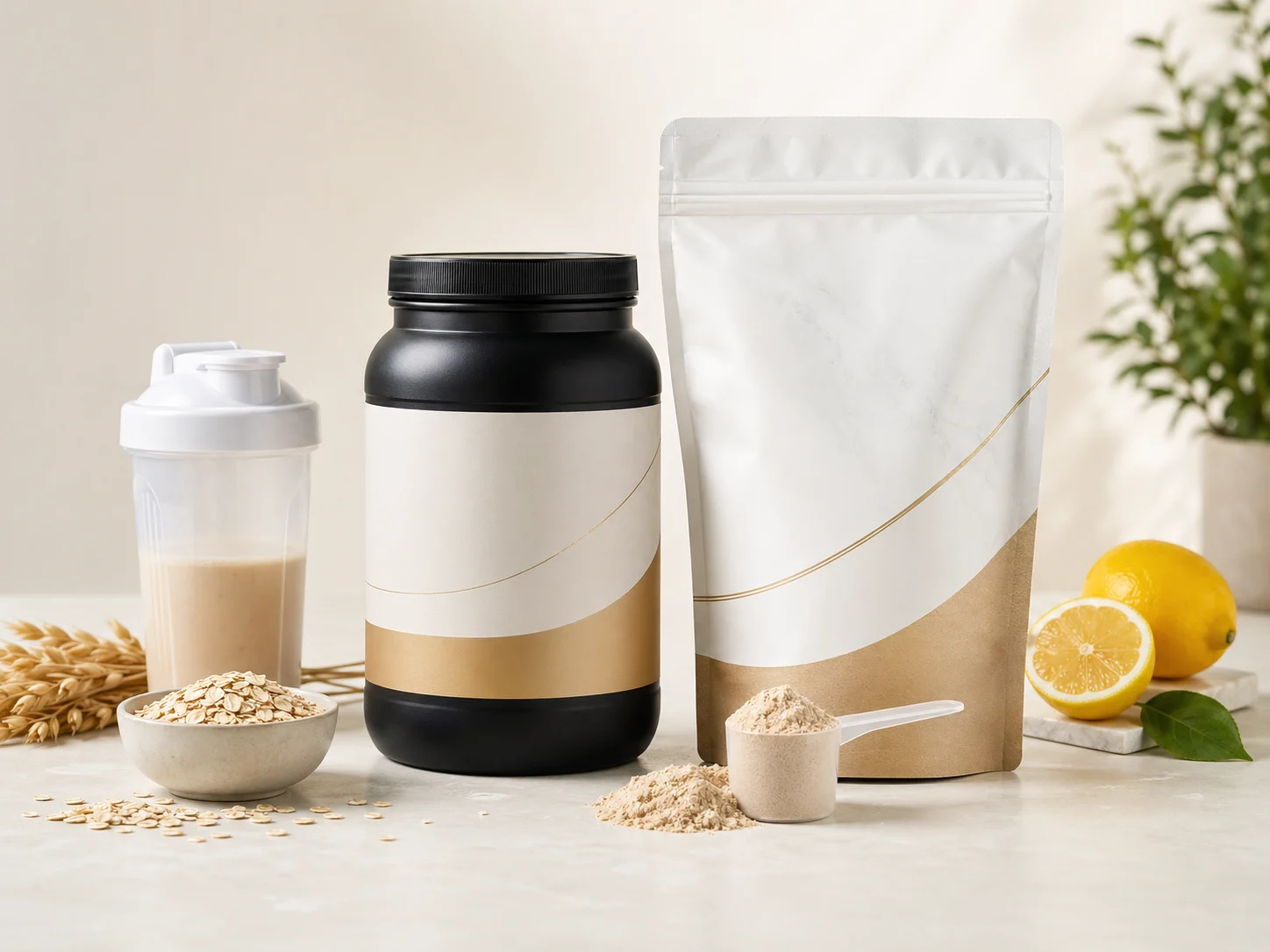
Test the Bulin 47 AI ecommerce product photo generator on varied items
Test a small selection, including difficult items, before applying an Bulin 47 AI ecommerce product photo generator recipe throughout the catalog.
Bulin 47 AI Choose contrasting test products
Select a tall bottle, a flat notebook, and a textured bag, for example. Upload each actual reference separately to the Bulin 47 AI ecommerce product photo generator. Use GPT Image 2 reference editing at 1:1, 1K, and one output to test the shared direction.
- Include an item with pale edges or a reflective finish.
- Evaluate the Bulin 47 AI ecommerce product photo generator recipe across those differences.
Bulin 47 AI Configure each request
Change ratios when needed, choose 1K, 2K, or 4K, and select one to four outputs. Read the displayed credits before submitting. The Bulin 47 AI ecommerce product photo generator workflow described here is individual reference editing, not a catalog-import tool or batch-generation API.
Bulin 47 AI Adjust the standard, then expand
Review the test items together and revise the recipe where it fails. Once the direction works, continue item by item. Repeated Bulin 47 AI ecommerce product photo generator requests still need review; an approved pilot does not make later products automatically accurate or visually consistent.

Bulin 47 AI Review accuracy before reviewing the storefront
Separate factual approval from visual approval. This keeps a polished Bulin 47 AI ecommerce product photo generator result from passing simply because it matches the rest of the collection.
Bulin 47 AI Check the individual product first
Compare shape, color, labels, handles, closures, and quantities with the source. The Bulin 47 AI ecommerce product photo generator does not guarantee exact preservation. Mark inaccurate items for revision before deciding whether their backgrounds or shadows match the store's visual standard.
- Use separate accuracy and styling decisions in your review notes.
- Do not approve an Bulin 47 AI ecommerce product photo generator image with an unresolved variant mismatch.
Bulin 47 AI Review a row rather than isolated files
Arrange candidates in your own grid at roughly their expected display size. Look for inconsistent margins and brightness. The Bulin 47 AI ecommerce product photo generator may need a smaller correction to one card, not a fresh visual direction for the entire category.
Bulin 47 AI Record precise revision notes
Write base too low, label altered, or background too warm instead of needs improvement. Specific notes make the next Bulin 47 AI ecommerce product photo generator task easier to brief. Keep source, candidate, and decision together in your existing project system.

Use the Bulin 47 AI ecommerce product photo generator for a maintainable store
Catalog imagery should support browsing today and updates later. Keep the Bulin 47 AI ecommerce product photo generator brief simple enough to reuse when stock or packaging changes.
Bulin 47 AI Distinguish cards from editorial displays
A category grid needs quick recognition; a seasonal feature can carry more atmosphere. Do not replace every clear card with a styled scene. Use the Bulin 47 AI ecommerce product photo generator for each role intentionally, while keeping the actual product recognizable across both treatments.
- Keep the card photograph focused on the item being sold.
- Give Bulin 47 AI ecommerce product photo generator campaign scenes their own separate brief.
Bulin 47 AI Make collections coherent without implying bundles
A candle, mug, and notebook can share a collection visually without being sold together. Review group compositions for that ambiguity. The Bulin 47 AI ecommerce product photo generator should not make a single-item offer look like a bundle merely to achieve a fuller scene.
Bulin 47 AI Refresh changed items selectively
When a label or product finish changes, replace its source and revise the affected pictures. Reuse the approved Bulin 47 AI ecommerce product photo generator direction for unchanged styling decisions. This keeps maintenance focused on real differences instead of requiring an unnecessary catalog-wide redesign.
Example prompts
Bulin 47 AI Catalog standard for an upright object
Edit the uploaded photograph of this actual product into one square catalog image. Keep its visible shape, finish, color, label, and quantity as closely as possible. Use a quiet warm-gray background, a matte support surface, and a large soft light from the upper left. Show the complete upright product with a consistent baseline and comfortable margins. Keep the shadow light and believable. No props, extra items, promotional text, or invented accessories.
Bulin 47 AI Catalog variation for a flat notebook
Use the supplied real notebook photograph. Preserve the visible cover design, binding, corner shape, color, and proportions as closely as possible. Create one square catalog image using the same warm-gray palette and soft upper-left lighting as the rest of the collection. Adapt the camera angle to show the full flat notebook clearly, with comfortable margins and a subtle contact shadow. No pens, extra notebooks, added text, redesigned cover art, or decorative clutter.
User reviews
H3Max video creator feedback.
H3Max creator reviews

I made a full character PV for my game with MiniMax H3 in one afternoon. The menu UI stayed readable in every frame and the character never went off-model. That used to cost me a contractor and three weeks.

We tested every AI video generator on the market for stylized work. H3 is the only one that held our anime style across cuts. We now use it for pitch reels and animatics on every project.

I uploaded four product photos and got a listing video with music and a voiceover the same day. My click-through rate on the new listings is up 38%. H3 even got the label text on my packaging right.

I ship five vertical videos a week for three brands. MiniMax H3 gets me from brief to draft in under an hour, with sound already synced. My old workflow needed a videographer and two review rounds.

The editing side is what sold me. A client wanted the background of an interview changed — I typed one sentence into MiniMax H3 and the lighting on the subject matched the new scene automatically.

I previsualized my entire short film in MiniMax H3 before we shot a single frame. Rack focus, match cuts, even the title cards — it understands director language, not just keywords.
Bulin 47 AI Pricing and Credit Plans
One-time payment · No subscription
Pay per MV
RECOMMENDED$9.90/ MV
- 10 seconds · 720p · Original soundtrack
- Buy now, create whenever you are ready
- No subscription · No automatic renewal
- Failed generations refund $9.90 per failed MV
1 × $9.90$9.90
Your purchase adds MV uses to your account. It does not start a generation or change your credit balance. Taxes and final total appear at checkout.
Already have credits? Each MV uses 600 credits. Subscriptions and credit packs are still available in the tabs above.
Pay safely and securely with























FAQ
Frequently asked questions
Can the Bulin 47 AI ecommerce product photo generator process my entire catalog automatically?
This workflow has no catalog import, automated batch API, or store publishing. Use the Bulin 47 AI ecommerce product photo generator in individual requests. Organize tasks using your product list and review each result before adding it to the store.
Should different categories use exactly the same composition?
Keep shared lighting and backgrounds, but adapt framing to the object. An Bulin 47 AI ecommerce product photo generator brief for a flat notebook should differ from one for a vase. Consistency should improve readability, not erase product differences.
How do I start with the Bulin 47 AI ecommerce product photo generator?
Upload a real product image and describe the shared catalog treatment. The Bulin 47 AI ecommerce product photo generator starts with GPT Image 2 reference editing, 1:1, 1K, and one output. Adjust the available settings as needed and review the displayed credits before submitting.
How can an Bulin 47 AI ecommerce product photo generator keep a shared look?
Yes. Define a range of acceptable framing, brightness, and shadow rather than demanding pixel-identical scenes. Compare Bulin 47 AI ecommerce product photo generator results as a collection. The aim is a coordinated store that still shows differences in scale, texture, color, and construction clearly.
What should I do when packaging changes?
Use a current photograph of the changed item and replace affected images deliberately. The Bulin 47 AI ecommerce product photo generator cannot verify a packaging revision from an old reference. Keep your established styling notes, but check every label and visible feature against the new product.
CTA
Set your Bulin 47 AI ecommerce product photo generator standard
Choose a few contrasting products and one shared visual direction. Use the Bulin 47 AI ecommerce product photo generator to test that standard, review the results together, and build a catalog that remains useful across categories.
Start a coordinated catalog study