 Bulin 47 AI
Bulin 47 AI AI Video Ad Generator for one clear visual message
Give viewers one reason to watch. The Bulin 47 AI AI Video Ad Generator develops a short visual idea from your uploaded opening image, built around an honest benefit or audience need. Use the Bulin 47 AI AI Video Ad Generator to explore creative variations, not to manage a complete advertising campaign.
Video workspace
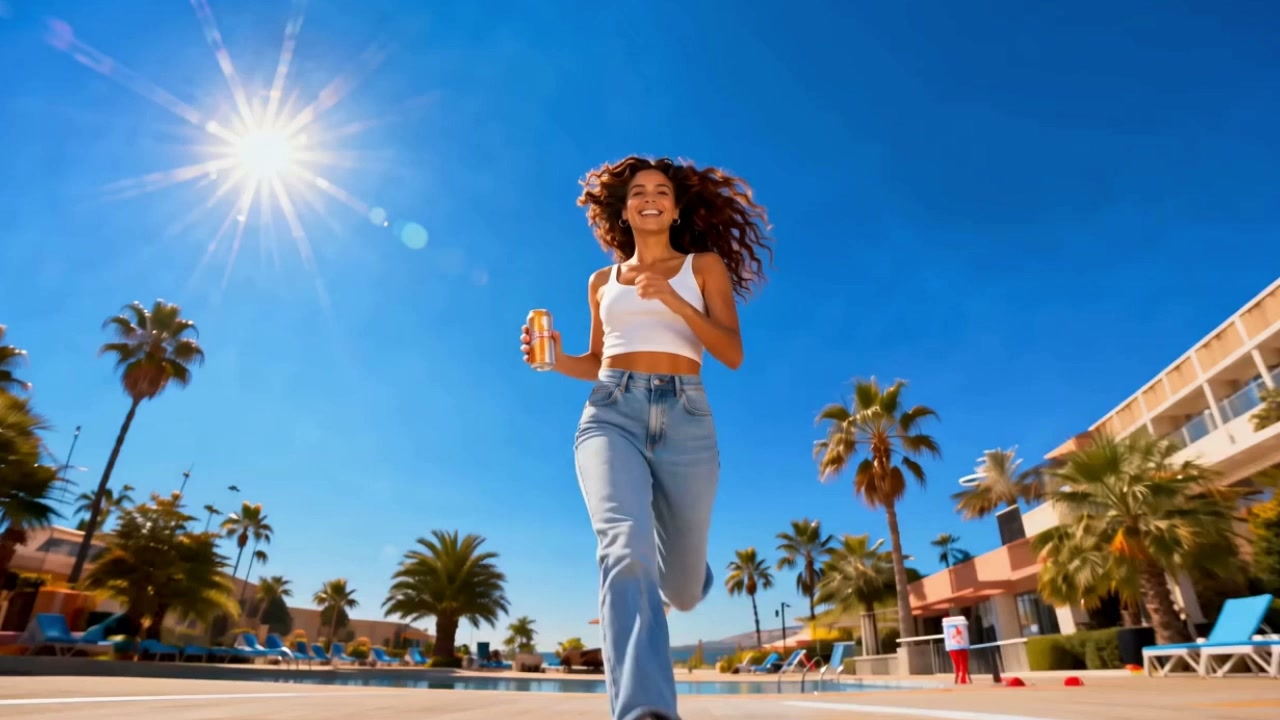
A bright street-side lifestyle moment
10/10View prompt
Use the uploaded sunny-street image of the adult woman as the opening frame. Create a bright five-second lifestyle shot with a small natural posture shift, a relaxed expression, and a gentle camera push. Retain the existing clothing, street setting, and warm daylight. Keep the composition uncluttered, without inventing a product, brand sign, written offer, or additional subject.
Introduction
Give the Bulin 47 AI AI Video Ad Generator one communication goal
Give the Bulin 47 AI AI Video Ad Generator one thing the viewer should understand, supported by a specific subject and relevant movement.
Bulin 47 AI Connect a need to something visible
For a compact bag, the useful idea might be carrying essentials without a bulky silhouette. Show the actual item in an appropriate opening image. Give the Bulin 47 AI AI Video Ad Generator a visible situation that supports that message instead of requesting an abstract feeling of quality.
Bulin 47 AI Start from approved creative material
Upload a first frame that already represents your intended subject or product accurately. The Bulin 47 AI AI Video Ad Generator uses MiniMax H3 Max Turbo image mode, with an optional ending image. It does not pull product facts or images from a store link.
Bulin 47 AI Keep the first variation short
Begin with five seconds at 480P and one readable event. The Bulin 47 AI AI Video Ad Generator supports five to fifteen seconds and 480P, 768P, or 1080P with native audio. Use the first draft to judge the idea before refining its finish or length.
How to use
How to use the Bulin 47 AI AI Video Ad Generator
- Input
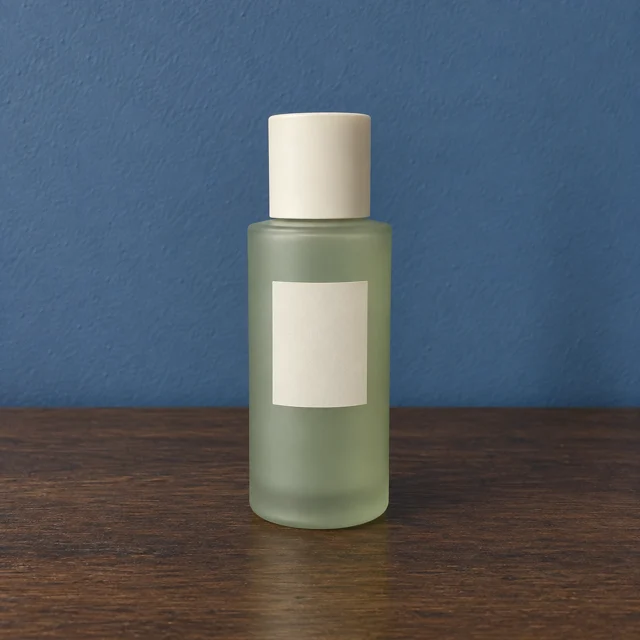 Reference image 1STEP 1
Bulin 47 AI Upload approved creative
Choose MiniMax H3 Max Turbo image mode in the Bulin 47 AI AI Video Ad Generator and upload an opening image supporting one truthful message.
- ModelMiniMax H3 Max Turbo480P16:95sPromptOutputSTEP 2
Bulin 47 AI Describe the visual hook
Give the Bulin 47 AI AI Video Ad Generator one clear action, a camera direction, and a suitable sound atmosphere without adding competing claims.
- First frameLast frame
 0.0s
0.0s 2.6s
2.6s 4.7sSTEP 3
Bulin 47 AI Create a short variation
Start the Bulin 47 AI AI Video Ad Generator at five seconds and 480P, review the displayed credits, and generate one focused creative variation.
- STEP 4
Bulin 47 AI Review the intended placement
Inspect Bulin 47 AI AI Video Ad Generator motion, product details, sound, and crop before adding final copy and handling campaign publishing separately.
Features
Make the Bulin 47 AI AI Video Ad Generator opening easy to read
Make the Bulin 47 AI AI Video Ad Generator opening show the important subject immediately, without relying on a long explanation or distracting transition.
Bulin 47 AI Put the important object first
The featured item should be recognizable in the source frame, not hidden behind a decorative foreground. Ask the Bulin 47 AI AI Video Ad Generator to keep that visual priority as motion begins. An eye-catching transition is less useful if it delays understanding what the advertisement concerns.
- Choose one focal point that survives a small preview.
- Keep Bulin 47 AI AI Video Ad Generator openings connected to the advertised subject.
Bulin 47 AI Use a relevant visual change
A hand bringing the item forward or a camera revealing its profile can direct attention. Match the requested movement to the supplied image. The Bulin 47 AI AI Video Ad Generator should develop the source rather than introduce an unrelated stunt simply to make the clip feel busier.
Bulin 47 AI Leave room for the message
When final copy will sit beside the subject, reserve a quiet area in the opening frame. Tell the Bulin 47 AI AI Video Ad Generator to keep action away from it. Add final headlines and offer wording separately when you need those elements to remain precisely editable.
Translate Bulin 47 AI AI Video Ad Generator benefits into scenes
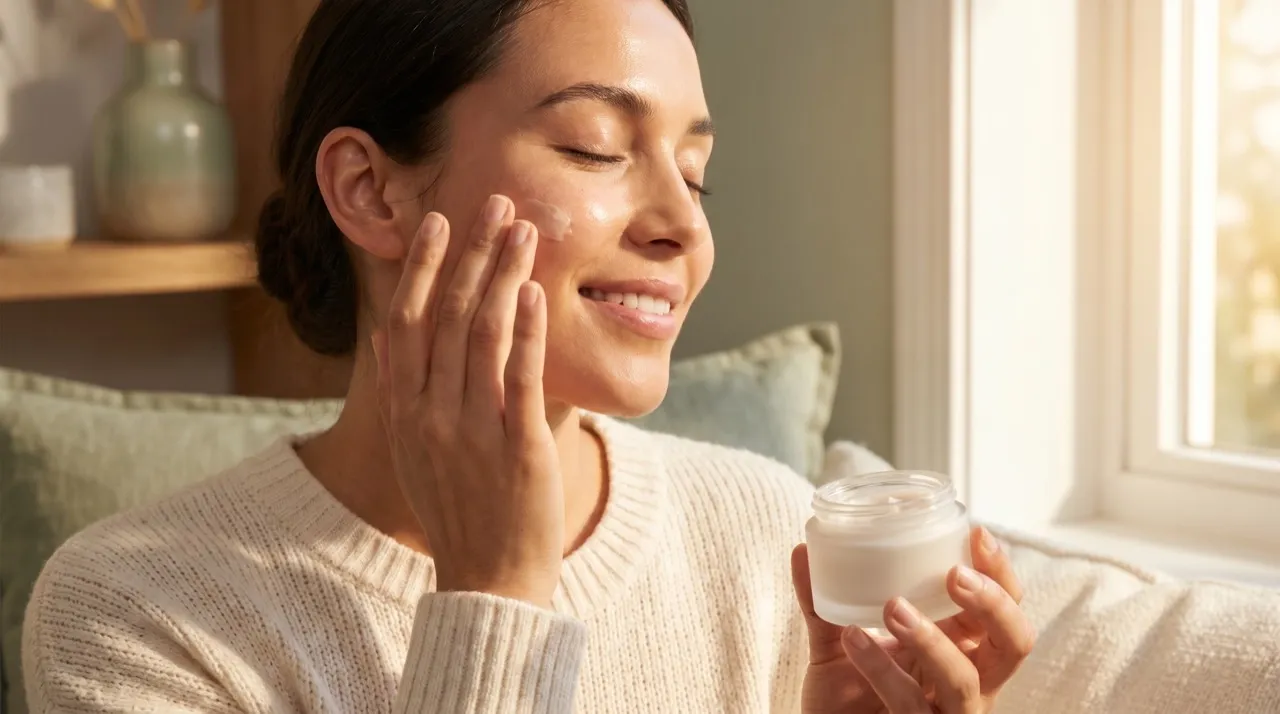
Use the Bulin 47 AI AI Video Ad Generator to illustrate a verified benefit or context, not to manufacture evidence of product performance.
Bulin 47 AI Show context rather than impossible proof
A lightweight-looking accessory in a travel setting can suggest a situation; it does not establish measured weight or durability. Keep the Bulin 47 AI AI Video Ad Generator scene consistent with verified information. Avoid asking generated motion to prove a result that was never actually demonstrated.
- Separate the visual story from measurements and factual claims.
- Check Bulin 47 AI AI Video Ad Generator objects against the approved product reference.
Bulin 47 AI Build around one physical interaction
A person already holding the item can lift it slightly and pause. Keep this Bulin 47 AI AI Video Ad Generator direction small enough to inspect. Complex opening, pouring, fastening, or assembly may introduce incorrect behavior, particularly where a hand obscures a mechanism or important label.
Bulin 47 AI Use the ending as breathing room
A compatible ending frame can show the final product position with space for a later call to action. Explain the transition to the Bulin 47 AI AI Video Ad Generator. A brief settled finish gives the viewer time to register the subject without demanding another major event.
Compare Bulin 47 AI AI Video Ad Generator ideas one variable at a time
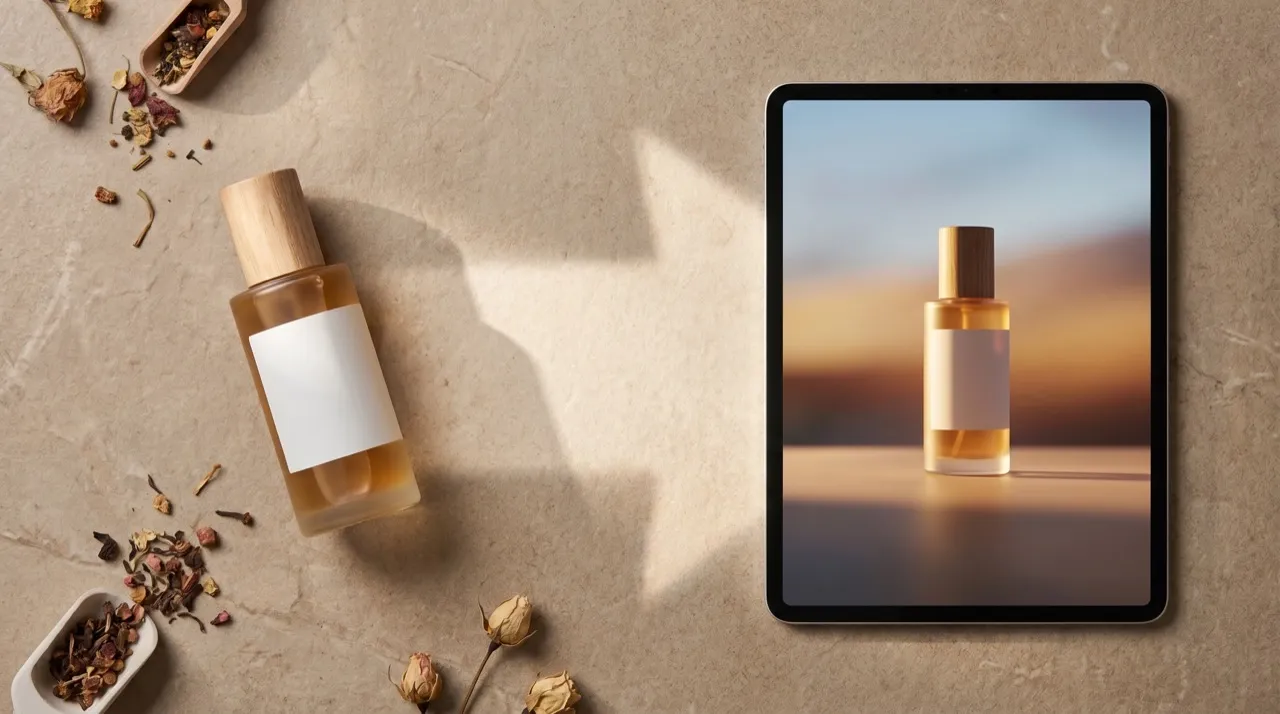
Change one part of the Bulin 47 AI AI Video Ad Generator brief while keeping the source subject and intended message recognizable.
Bulin 47 AI Vary the emphasis rather than everything
Compare a gentle approach with a slight sideways reveal, using the same opening composition when practical. The Bulin 47 AI AI Video Ad Generator can explore both directions. Keeping the message stable makes it easier to discuss the effect of movement instead of comparing entirely unrelated advertisements.
- Write down the single difference between the proposed versions.
- Judge Bulin 47 AI AI Video Ad Generator drafts against the same communication goal.
Bulin 47 AI Compare atmosphere deliberately
A quiet treatment and a more energetic treatment may suit different contexts. Describe the desired pace and sound rather than making vague requests for excitement. Review Bulin 47 AI AI Video Ad Generator outputs for whether the atmosphere helps the message, not simply whether one feels louder.
Bulin 47 AI Keep visual preference separate from performance
Choose which draft communicates clearly before planning campaign evaluation. An Bulin 47 AI AI Video Ad Generator result does not establish clicks or conversions. Save version notes so later performance information, when available, can be connected to the actual creative used.
Plan Bulin 47 AI AI Video Ad Generator framing and sound for placement
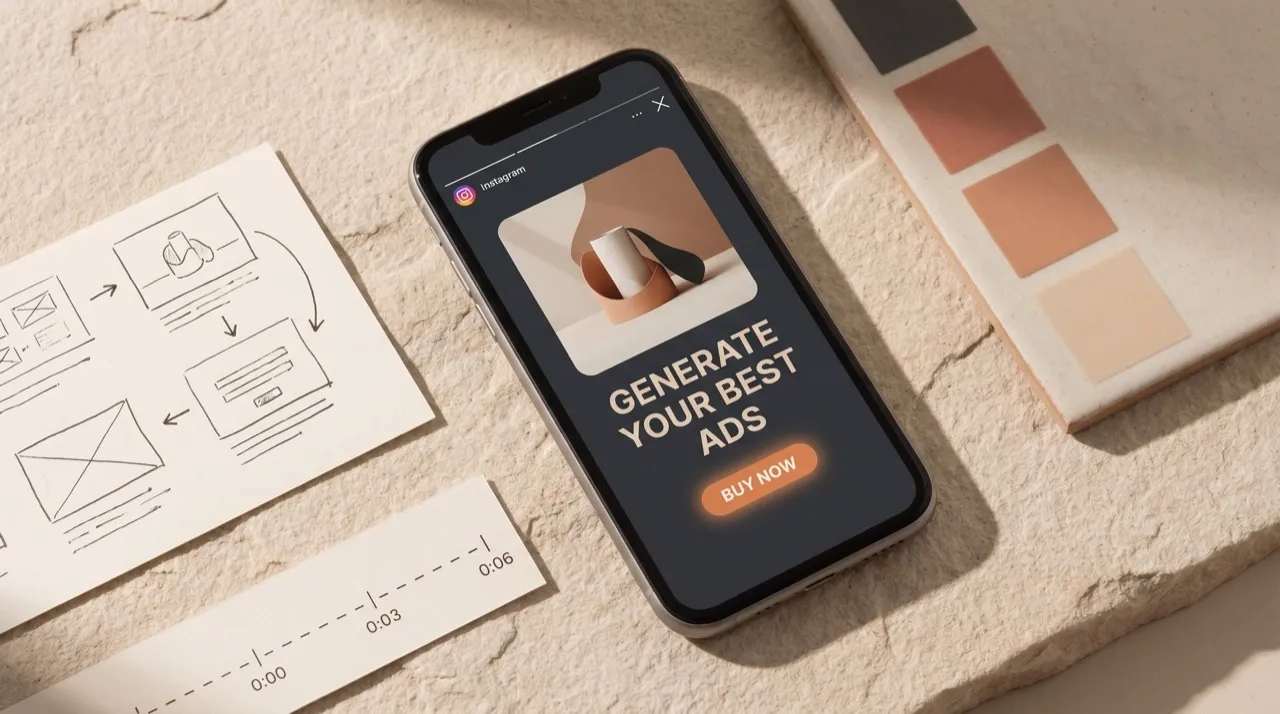
Prepare Bulin 47 AI AI Video Ad Generator source images for their destination, with appropriate proportions and clear space around the visual priority.
Bulin 47 AI Prepare each important aspect ratio
Use a suitable opening image for a vertical placement and a separately considered source for a wide one. Keep heads, products, and gestures comfortably inside the frame. Bulin 47 AI AI Video Ad Generator output cannot make a heavily cropped subject complete simply because the destination changes.
Bulin 47 AI Allow for surrounding interface elements
Review the clip in your intended layout, including any captions, controls, or adjacent text that your publishing workflow adds. Leave margins around important details. Tell the Bulin 47 AI AI Video Ad Generator where the quiet areas belong rather than treating every edge as usable space.
Bulin 47 AI Use native audio as support
Describe a relevant ambient bed and the small sounds of visible movement. Listen to the Bulin 47 AI AI Video Ad Generator result before approving it. Exact spoken wording is not guaranteed, so do not make an unverified voice line responsible for essential pricing, conditions, or factual claims.
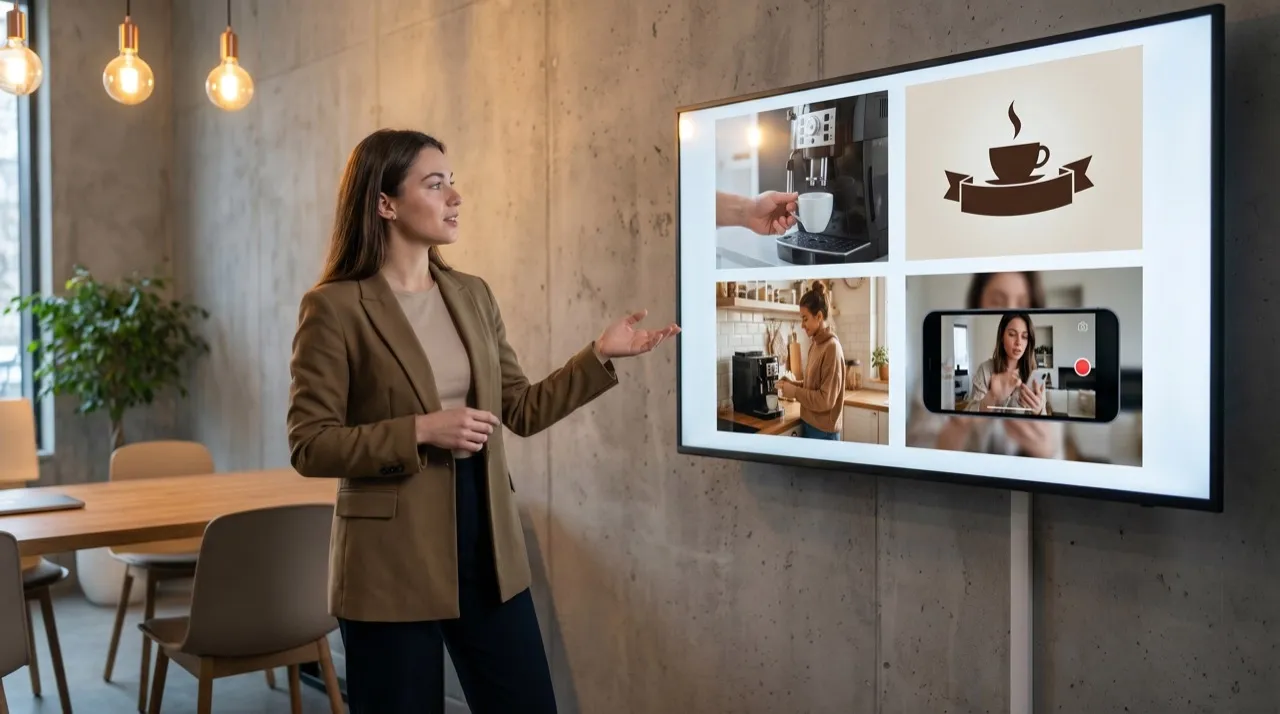
Review Bulin 47 AI AI Video Ad Generator assets before campaign use
Approve Bulin 47 AI AI Video Ad Generator scenes for message clarity, product accuracy, and the complete viewing experience before preparing campaign assets.
Bulin 47 AI Check the subject throughout
Watch logos, labels, garment details, hands, and edges as the camera moves. Bulin 47 AI AI Video Ad Generator output may change them beyond the source. Reject a candidate that becomes misleading even when the opening frame and overall lighting appear polished.
Bulin 47 AI Watch with and without sound
Check whether the essential idea reads while muted, then listen for unwanted speech or distracting sound. Bulin 47 AI AI Video Ad Generator review should not rely on an attractive still preview. The viewer encounters a moving sequence, and the message must remain understandable as it develops.
Bulin 47 AI Finish the campaign work separately
Confirm the displayed credits before another Bulin 47 AI AI Video Ad Generator request. Download the approved clip, add final copy in your own workflow, and handle uploads, targeting, and campaign decisions separately. Keep the source and selected brief with the asset for a more useful revision history.

Example prompts
Bulin 47 AI Clear product emphasis with space for copy
Use the uploaded opening image as the approved subject and composition. Create a five-second shot with one gentle movement drawing attention to the featured item. Aim to retain its recognizable shape and visible details. Keep the existing quiet area clear for copy added later. Soft consistent lighting, restrained ambient audio, and a settled ending. No generated offers, narration, labels, or added products.
Bulin 47 AI A more energetic version of the same visual
Use the supplied first frame and optional ending frame for one continuous five-second scene. Make a slightly quicker but smooth camera approach toward the existing focal point, then hold the final composition briefly. Keep the subject and intended setting recognizable, with no extra action. Use a modest rise in atmospheric sound rather than speech. No new logos, claims, text overlays, or scene cuts.
User reviews
H3Max video creator feedback.
H3Max creator reviews

I made a full character PV for my game with MiniMax H3 in one afternoon. The menu UI stayed readable in every frame and the character never went off-model. That used to cost me a contractor and three weeks.

We tested every AI video generator on the market for stylized work. H3 is the only one that held our anime style across cuts. We now use it for pitch reels and animatics on every project.

I uploaded four product photos and got a listing video with music and a voiceover the same day. My click-through rate on the new listings is up 38%. H3 even got the label text on my packaging right.

I ship five vertical videos a week for three brands. MiniMax H3 gets me from brief to draft in under an hour, with sound already synced. My old workflow needed a videographer and two review rounds.

The editing side is what sold me. A client wanted the background of an interview changed — I typed one sentence into MiniMax H3 and the lighting on the subject matched the new scene automatically.

I previsualized my entire short film in MiniMax H3 before we shot a single frame. Rack focus, match cuts, even the title cards — it understands director language, not just keywords.
Bulin 47 AI Pricing and Credit Plans
One-time payment · No subscription
Pay per MV
RECOMMENDED$9.90/ MV
- 10 seconds · 720p · Original soundtrack
- Buy now, create whenever you are ready
- No subscription · No automatic renewal
- Failed generations refund $9.90 per failed MV
1 × $9.90$9.90
Your purchase adds MV uses to your account. It does not start a generation or change your credit balance. Taxes and final total appear at checkout.
Already have credits? Each MV uses 600 credits. Subscriptions and credit packs are still available in the tabs above.
Pay safely and securely with























FAQ
Frequently asked questions
Does the Bulin 47 AI AI Video Ad Generator manage advertising campaigns?
No. It creates a short video scene from your image and instructions. Account connections, targeting, budgets, scheduling, and campaign measurement remain outside this workflow. Prepare and publish the approved creative through your own advertising tools.
Can the Bulin 47 AI AI Video Ad Generator read my product URL?
No. Supply an approved opening image and your scene instructions. The workspace does not fetch a catalog or verify claims from a link. Use information already checked against the actual item or service.
Can I request an exact voiceover?
Native audio can accompany the Bulin 47 AI AI Video Ad Generator scene, but exact narration and mouth timing are not guaranteed. Listen carefully and handle any wording that must be exact in an appropriate separate production workflow.
How should I make vertical and horizontal variants?
Prepare appropriately shaped opening images for the Bulin 47 AI AI Video Ad Generator, because image-mode proportions follow the source. Reconsider the focal point and text space for each format rather than merely cutting the sides off one composition.
Will a more dramatic version get better results?
The Bulin 47 AI AI Video Ad Generator does not predict campaign performance. Compare clarity and relevance first, then use your own real campaign measurements where appropriate. A more complicated effect can distract from the message instead of strengthening it.
CTA
Give the Bulin 47 AI AI Video Ad Generator one clear message
Choose approved visual material and one clear message. Review your settings and credits, then compare the scene before completing copy, placement, and campaign work.
Develop a video ad concept