 Bulin 47 AI
Bulin 47 AI Hotel Lobby AI: remix the orange-booth duet
Explore the viral Bulin 47 AI Hotel Lobby AI performance trend with four attributed examples. Load a stored reference video and an adapted prompt into the shared Seedance 2.5 workspace, then direct your own duo, movement and synchronized audio. Review the inputs and displayed quote before creating.
Video workspace
Two cats in the orange booth
19/30View prompt
Use @Video1 as the reference for the Hotel Lobby orange-studio duet. Feature a cream Siamese cat with dark ears on the left and a black cat on the right. Preserve the two distinct identities, left/right positions, hanging silver microphone, orange backdrop, static camera, alternating performance timing and restrained rhythmic gestures shown in the reference. Keep both faces and hands visible, avoid identity blending and extra performers, and finish on a natural beat. Follow the reference audio rhythm and lip movements with synchronized generated audio. Keep the scene continuous, with no captions, logos or cuts. To replace either character, add your own reference images and update the left and right character instructions.
Reference video is loaded automatically. Optional: add two character images and edit the left/right replacement instructions.
Seedance 2.5 · 30s · 720p · 16:9
Attributed creator reference; original generation model, prompt and seed were not published. This H3Max prompt is an adapted Seedance 2.5 reference workflow, not the creator’s original prompt or a tested reproduction. Use This Prompt loads the video as a reference input and curated output settings. Audio and exact motion must be reviewed after generation.
@ogfeitozaIntroduction
What is Bulin 47 AI Hotel Lobby AI?
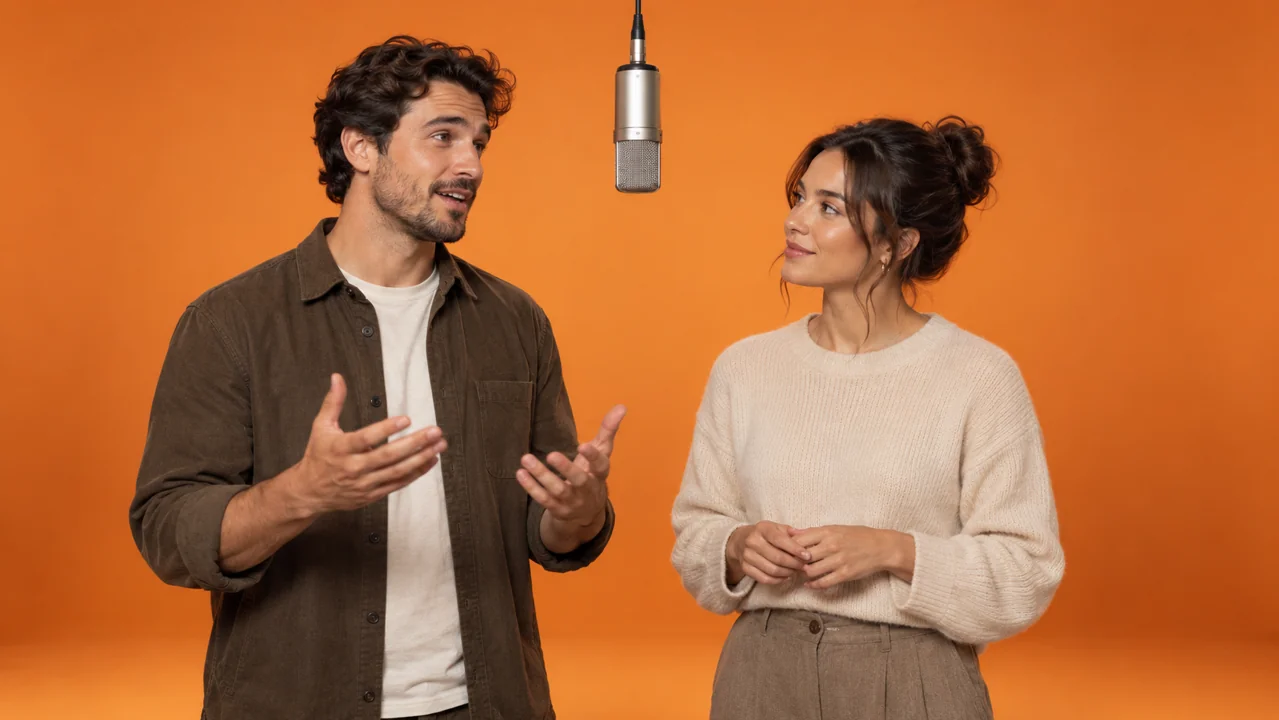
Bulin 47 AI Hotel Lobby AI turns a recognizable two-person performance into a character-remix format. The orange studio, hanging microphone and alternating verses make the source easy to recognize.
Bulin 47 AI Start with the right performance
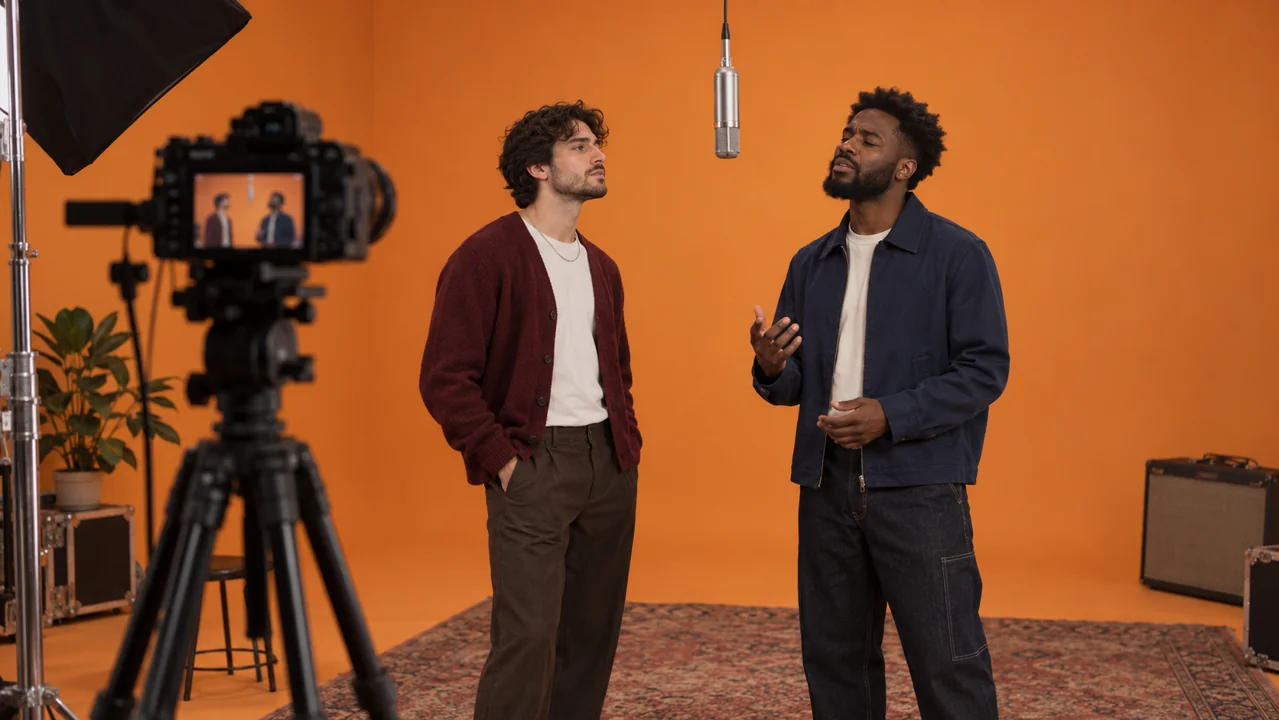
Bulin 47 AI Hotel Lobby AI refers to remixes of Quavo and Takeoff performing HOTEL LOBBY for A COLORS SHOW, released in June 2022. The viral template uses a plain orange studio and a shared microphone suspended between two performers. It is distinct from the song’s separate cinematic music video. People searching this phrase usually want to put a different duo into that performance, rather than design a hotel reception.
Bulin 47 AI Recognize the remix structure
A Bulin 47 AI Hotel Lobby AI edit keeps enough staging to remain recognizable while changing the performers. Cats, television characters, athletes and historical figures all appear in widely shared versions. The effect depends on two stable identities, clear left and right positions, expressive gestures and convincing turn-taking.
Bulin 47 AI Understand what runs here
This Bulin 47 AI Hotel Lobby AI workspace uses the existing Seedance 2.5 reference-video model through Bulin 47 AI. It accepts visual and audio guidance, with output durations from four to thirty seconds. The page is an independent creative workflow, without an affiliation to COLORS, the musicians or the original remix creators.
How to use
How to create a Bulin 47 AI Hotel Lobby AI remix
- STEP 1
Bulin 47 AI Choose a reference
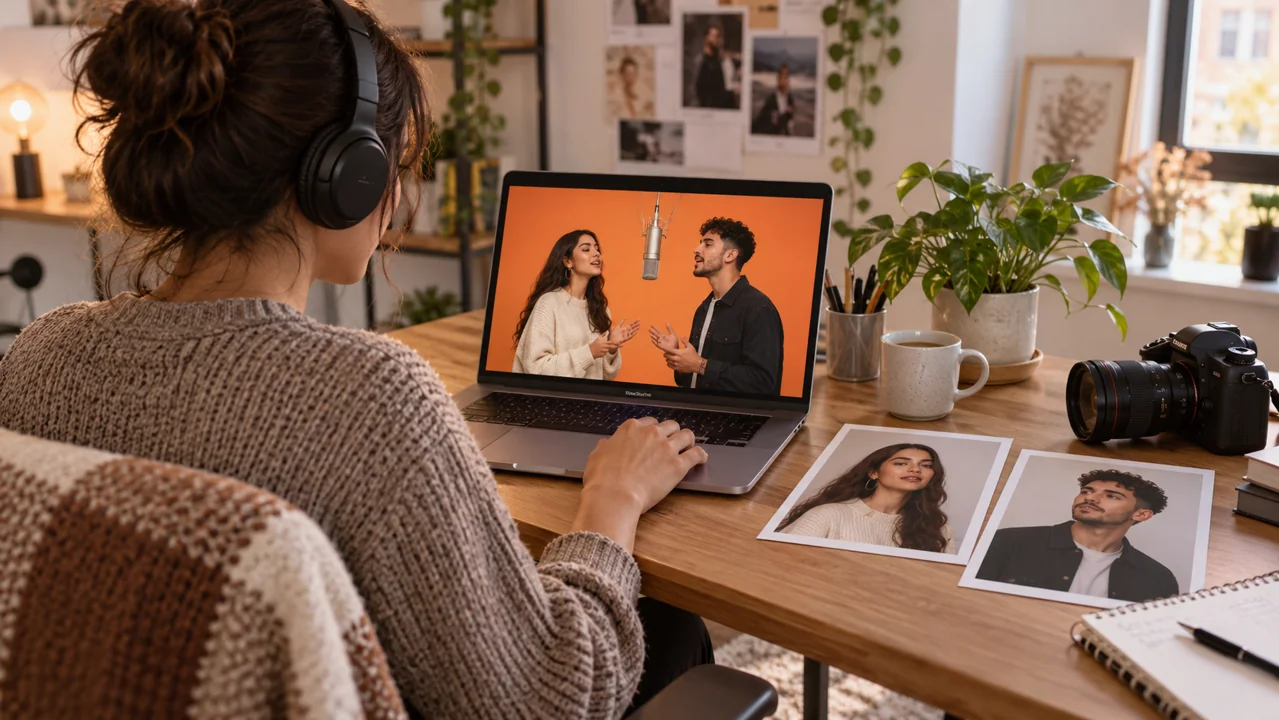
Watch a Bulin 47 AI Hotel Lobby AI example, inspect its creator source, then use the button to load its video and adapted prompt.
- STEP 2
Bulin 47 AI Define your duo
Edit the Bulin 47 AI Hotel Lobby AI character descriptions, or add two clear reference photographs and assign each image to a performer.
- STEP 3
Bulin 47 AI Review and create
Confirm Bulin 47 AI Hotel Lobby AI duration, framing, audio and the live quote. Sign in, then press Create when the draft is ready.
- STEP 4
Bulin 47 AI Inspect the result
Play the complete Bulin 47 AI Hotel Lobby AI output, check both identities and synchronization, then download your chosen result for final editing.
Features
Prepare two identities for Bulin 47 AI Hotel Lobby AI
A Bulin 47 AI Hotel Lobby AI duo needs subjects that stay distinct. Decide which character takes each side before writing the replacement instructions.
Bulin 47 AI Assign each side once
For Bulin 47 AI Hotel Lobby AI, start with a simple left/right assignment and keep it consistent. A clear reference image can establish the first character’s face, hairstyle and clothing; a second image establishes the other. Avoid photographs containing several similar faces.
Bulin 47 AI Choose readable photographs
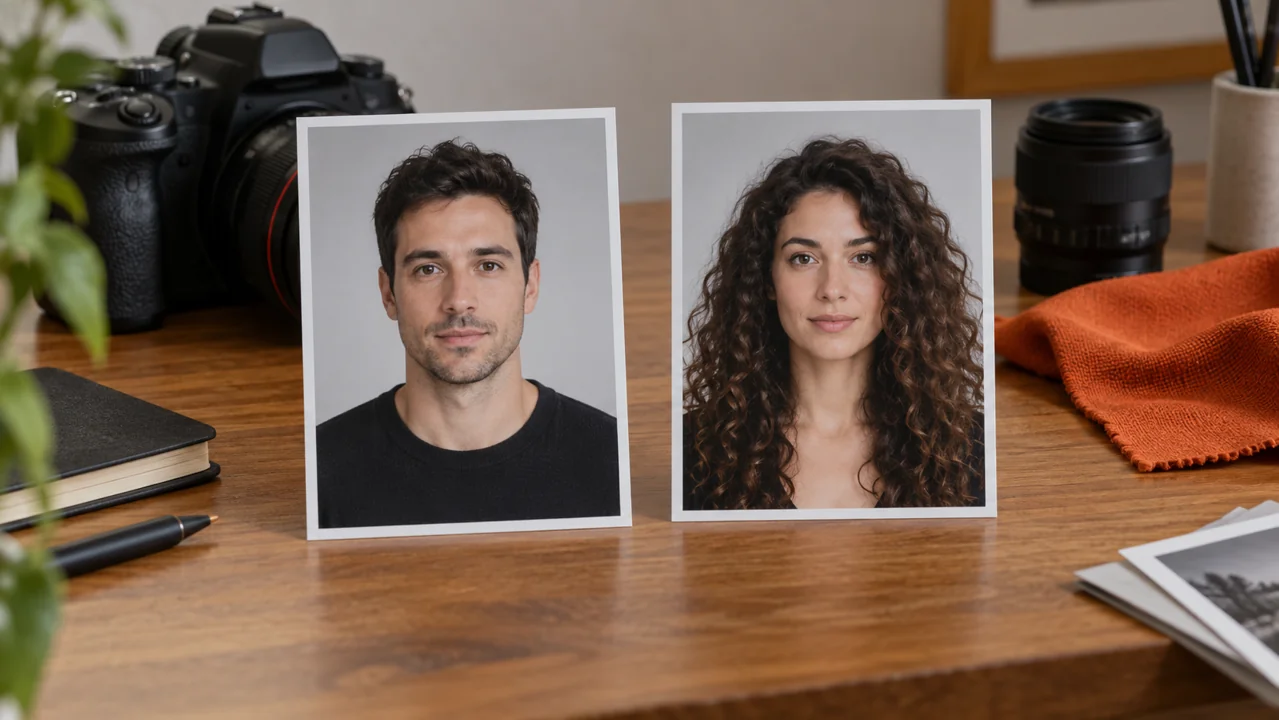
A useful Bulin 47 AI Hotel Lobby AI portrait shows the face clearly in even light. Leave some room around the head and shoulders, and avoid heavy blur, a strong profile angle or large objects crossing the face. Distinct clothing and hair can help separate identities.
Bulin 47 AI Keep inputs and outputs separate
The Bulin 47 AI Hotel Lobby AI gallery shows the creator’s video and an extracted preview poster. Use This Prompt loads the actual reference video, not the poster as a character image. Add your own character photographs when you want a replacement duo.
Direct Bulin 47 AI Hotel Lobby AI movement
Good Bulin 47 AI Hotel Lobby AI direction explains the relationship between the two performers. Treat the reference as timing and staging guidance, then review the result.
Bulin 47 AI Follow a visible handoff
In a Bulin 47 AI Hotel Lobby AI prompt, describe the first performer delivering a phrase while the second listens or nods, followed by a clear handoff. This gives the scene a rhythm that a generic request to dance may miss. Keep gestures restrained enough for faces and hands to remain readable.
Bulin 47 AI Protect the shared microphone
Ask Bulin 47 AI Hotel Lobby AI to maintain one hanging microphone between the subjects, a stable orange backdrop and a continuous camera view. Those fixed elements let you judge the moving characters. If the microphone changes shape, crosses through a face or multiplies, simplify the action and try a smaller movement.
Bulin 47 AI Choose a manageable take
Bulin 47 AI Hotel Lobby AI starts at fifteen seconds and 720p on this page. The gallery’s curated settings use fourteen, fifteen, twenty-nine or thirty seconds according to the chosen reference. A source can guide a shorter output, but that does not preserve the whole original performance.
Check Bulin 47 AI Hotel Lobby AI audio and timing
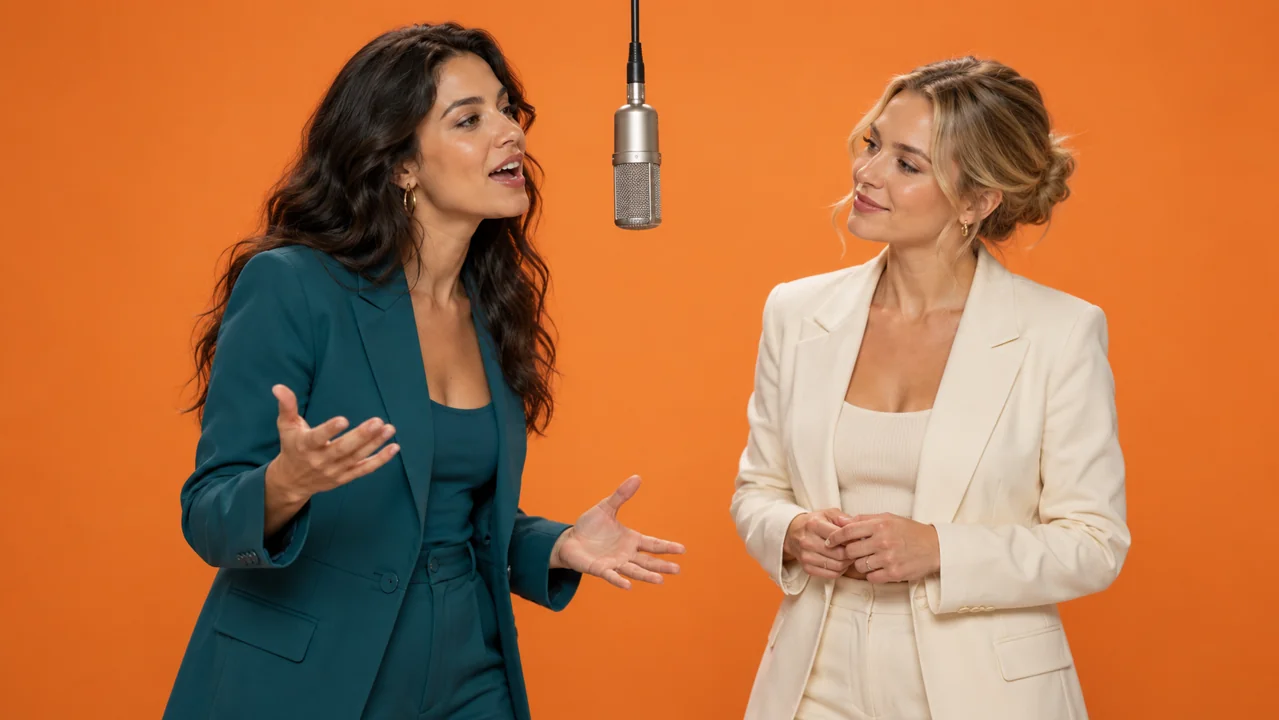
Bulin 47 AI Hotel Lobby AI relies on performance timing as much as appearance. Listen to the generated result and compare the gestures, mouth movement and handoffs.
Bulin 47 AI Treat audio as an explicit choice
Bulin 47 AI Hotel Lobby AI enables synchronized generated audio in the default Seedance setup. A reference video contains its own soundtrack, but generation does not guarantee a bit-for-bit copy of that recording. Describe the rhythm and vocal interaction you want. For exact final music placement, review the downloaded video in your editing workflow and align your chosen audio rather than assuming the generated track matches every beat.
Bulin 47 AI Inspect the entire performance
Review Bulin 47 AI Hotel Lobby AI from the beginning through the final hold. Mouth movement can look convincing in one frame but drift over a longer verse. Check both performers, especially around the handoff, and listen for unexpected voices or sudden changes in the backing sound.
Bulin 47 AI Keep the reference understandable
The Bulin 47 AI Hotel Lobby AI examples retain their complete source films and audio. HEVC originals also have compatible H.264 viewing copies so browsers can play them reliably. The source records document what was downloaded, its measured dimensions and duration, and its storage checksum. The reference is credited to its creator; it is not presented as a generation made by Bulin 47 AI or a tested reproduction.
Explore Bulin 47 AI Hotel Lobby AI character pairings
Bulin 47 AI Hotel Lobby AI spreads because the duet works with contrasting subjects. Choose a pairing with a clear visual relationship and a simple shared action.
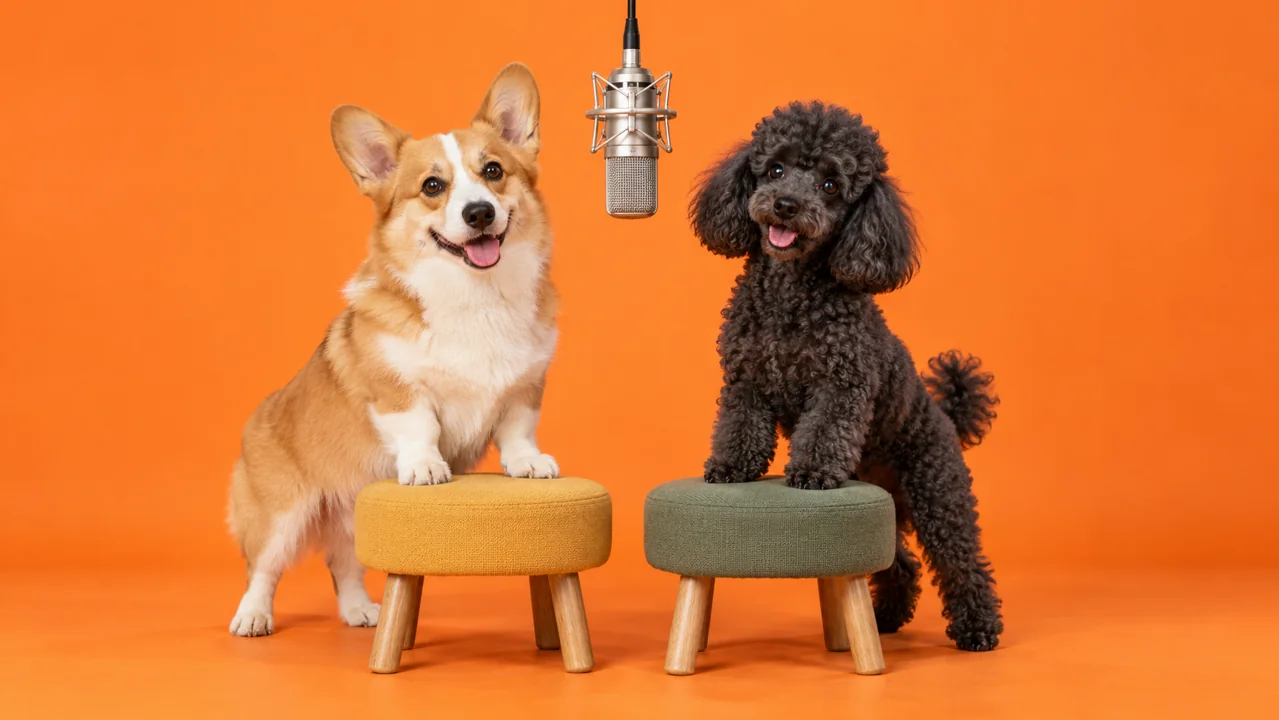
Bulin 47 AI Translate movement for pets
A Bulin 47 AI Hotel Lobby AI pet duet needs coherent animal anatomy, not only a recognizable face. Describe the species, coat pattern, relative size and left/right placement. Keep paws visible and request small rhythmic movements instead of complicated human choreography. The popular cat reference provides useful staging, while your own pet photographs can establish a different pair.
Bulin 47 AI Make fictional roles recognizable
For a Bulin 47 AI Hotel Lobby AI fictional duo, define a few durable identity cues: clothing, hair, body proportions and contrasting expressions. Avoid changing those cues halfway through the clip. The Harvey and Mike example illustrates how an existing character relationship can make the duet readable.
Bulin 47 AI Change one decision at a time
Use Bulin 47 AI Hotel Lobby AI to compare one pairing or one gesture at a time. Keep the orange staging and camera stable while you evaluate the subjects. If identity consistency fails, improve the character references before adding more camera motion. Save the version you prefer and record the actual settings you used.
Popular Bulin 47 AI Hotel Lobby AI examples and their sources
The Bulin 47 AI Hotel Lobby AI gallery contains four named, attributed remixes selected from documented viral examples, with direct creator links and stored playback files.
Bulin 47 AI Cats and the historical football duo
Two widely shared Bulin 47 AI Hotel Lobby AI posts are the cats shared by @ogfeitoza and the Mbappe/Napoleon pairing shared by @cuba4si. At the October 4 source check, the X metadata mirror reported approximately 7.77 million and 4.99 million views respectively. These figures describe those posts, not a complete worldwide ranking.
Bulin 47 AI Television and celebrity pairings
The Bulin 47 AI Hotel Lobby AI collection also includes Harvey and Mike by @glorify_studio and Taylor Swift with Travis Kelce by @afaraj23. Know Your Meme documented more than 1.7 million and 400,000 TikTok views respectively on September 28. Those are dated reported counts, not current live totals.
Bulin 47 AI Reuse a documented starting point
Choose a Bulin 47 AI Hotel Lobby AI thumbnail, watch the reference, then press Use This Prompt. Bulin 47 AI loads its stored video, the adapted brief and supported Seedance settings. Edit the character description or add two reference images before generating your own version. Existing examples remain in the same gallery.
Example prompts
Bulin 47 AI Hotel Lobby AI with an original fictional duo
Use @Video1 for the orange booth, hanging microphone, static camera and duet timing. Replace the left performer with a fictional adult woman in a teal blazer and the right performer with a fictional adult man in a cream sweater. Keep identities separate, hands visible and gestures restrained. Follow the reference rhythm with synchronized generated audio. No captions or cuts.
Bulin 47 AI Hotel Lobby AI using two character photos
Use @Video1 for the orange studio and performance handoffs. Replace the left character with the subject in @Image1 and the right character with the subject in @Image2. Preserve their distinct faces and clothing throughout the shot. Keep one hanging microphone, a continuous frontal camera and restrained rhythmic gestures. Generate synchronized audio; inspect the final timing.
User reviews
H3Max video creator feedback.
H3Max creator reviews

I made a full character PV for my game with MiniMax H3 in one afternoon. The menu UI stayed readable in every frame and the character never went off-model. That used to cost me a contractor and three weeks.

We tested every AI video generator on the market for stylized work. H3 is the only one that held our anime style across cuts. We now use it for pitch reels and animatics on every project.

I uploaded four product photos and got a listing video with music and a voiceover the same day. My click-through rate on the new listings is up 38%. H3 even got the label text on my packaging right.

I ship five vertical videos a week for three brands. MiniMax H3 gets me from brief to draft in under an hour, with sound already synced. My old workflow needed a videographer and two review rounds.

The editing side is what sold me. A client wanted the background of an interview changed — I typed one sentence into MiniMax H3 and the lighting on the subject matched the new scene automatically.

I previsualized my entire short film in MiniMax H3 before we shot a single frame. Rack focus, match cuts, even the title cards — it understands director language, not just keywords.
Bulin 47 AI Pricing and Credit Plans
One-time payment · No subscription
Pay per MV
RECOMMENDED$9.90/ MV
- 10 seconds · 720p · Original soundtrack
- Buy now, create whenever you are ready
- No subscription · No automatic renewal
- Failed generations refund $9.90 per failed MV
1 × $9.90$9.90
Your purchase adds MV uses to your account. It does not start a generation or change your credit balance. Taxes and final total appear at checkout.
Already have credits? Each MV uses 600 credits. Subscriptions and credit packs are still available in the tabs above.
Pay safely and securely with























FAQ
Frequently asked questions
What does Bulin 47 AI Hotel Lobby AI refer to?
Bulin 47 AI Hotel Lobby AI refers to AI remixes of Quavo and Takeoff’s orange-background A COLORS SHOW performance. The typical edit replaces the two performers while keeping the hanging microphone, recognizable staging and duet rhythm.
Which model powers this Bulin 47 AI Hotel Lobby AI page?
This Bulin 47 AI Hotel Lobby AI workspace uses Seedance 2.5 reference-to-video. It is an independent Bulin 47 AI workflow. The original remix creators’ generation models are not verified, and their clips are shown with attribution.
What does Use This Prompt load?
Use This Prompt loads the selected Bulin 47 AI Hotel Lobby AI reference video, an adapted prompt and compatible output settings. It does not load the creator’s unpublished original recipe, submit a generation or spend generation credits.
Can I replace both characters with my own photos?
Yes. Add two clear character images to your Bulin 47 AI Hotel Lobby AI reference draft and edit the prompt to map the left performer to @Image1 and the right performer to @Image2. Review both identities and their handoff in the output.
Will the result keep the exact original song?
Bulin 47 AI Hotel Lobby AI generates synchronized audio when enabled, but exact soundtrack preservation and perfect lip synchronization are not guaranteed. Listen to the complete output. Use your editing workflow for precise final music alignment.
CTA
Create your Bulin 47 AI Hotel Lobby AI duet
Pick a reference, give each performer a clear identity and check the whole result. Bulin 47 AI Hotel Lobby AI provides a prepared starting point in the shared workspace; you decide when the draft is ready to generate.
Prepare a duet remix